DeepSeek-7B-chat FastApi 部署教程
DeepSeek-7B-chatFastApi部署与调用指南DeepSeek模型简介DeepSeekLLM是一款具备70亿参数的高性能语言模型,基于包含中英文在内的2万亿token数据集从零训练而成。为推动学术研究发展,DeepSeek已向研究社区开源了多个版本的模型,包括DeepSeekLLM7B/67BBase以及DeepSeekLLM7B/67BChat版本。环境搭建在autodl平台上选择配备NVIDIA3090或其他具备24GB显存的GPU实例。
DeepSeek-7B-chat FastApi 部署与调用指南
DeepSeek 模型简介
DeepSeek LLM 是一款具备70亿参数的高性能语言模型,基于包含中英文在内的2万亿token数据集从零训练而成。为推动学术研究发展,DeepSeek 已向研究社区开源了多个版本的模型,包括 DeepSeek LLM 7B/67B Base 以及 DeepSeek LLM 7B/67B Chat 版本。
环境搭建
在 autodl 平台上选择配备 NVIDIA 3090 或其他具备 24GB 显存的 GPU 实例。镜像配置建议选择:PyTorch → 2.0.0 → Python 3.8 (Ubuntu20.04) → CUDA 11.8(CUDA 11.3 及以上均可)。创建实例后,进入 JupyterLab 界面,并打开终端进行后续环境配置、模型下载与服务部署。
![[大模型]DeepSeek-7B-chat FastApi 部署调用](/uploads/20250804/175429909486670.jpg)
更换 pip 源并安装所需依赖
# 升级pip python -m pip install --upgrade pip设置清华源加速下载
pip config set global.index-url https://pypi.tuna.tsinghua.edu.cn/simple
安装必要库
pip install fastapi==0.104.1 pip install uvicorn==0.24.0.post1 pip install requests==2.25.1 pip install modelscope==1.9.5 pip install transformers==4.35.2 pip install streamlit==1.24.0 pip install sentencepiece==0.1.99 pip install accelerate==0.24.1 pip install transformers_stream_generator==0.0.4
下载模型文件
使用 ModelScope 提供的 snapshot_download 方法获取 DeepSeek-7B-chat 模型。在 /root/autodl-tmp 目录下创建 download.py 文件,写入以下代码并保存(如图所示),然后执行 python /root/autodl-tmp/download.py 开始下载。模型体积约为 15GB,预计耗时 10-20 分钟。
import torch
from modelscope import snapshot_download, AutoModel, AutoTokenizer
from modelscope import GenerationConfigmodel_dir = snapshot_download('deepseek-ai/deepseek-llm-7b-chat', cache_dir='/root/autodl-tmp', revision='master')
编写 API 接口服务
在 /root/autodl-tmp 路径下新建 api.py 文件,填入如下代码并保存。该脚本已添加详细注释,便于理解各模块功能。
from fastapi import FastAPI, Request from transformers import AutoTokenizer, AutoModelForCausalLM, GenerationConfig import uvicorn import json import datetime import torch配置设备信息
DEVICE = "cuda" DEVICE_ID = "0" CUDA_DEVICE = f"{DEVICE}:{DEVICE_ID}" if DEVICE_ID else DEVICE
GPU内存清理函数
def torch_gc(): if torch.cuda.is_available(): with torch.cuda.device(CUDA_DEVICE): torch.cuda.empty_cache() torch.cuda.ipc_collect()
初始化FastAPI应用
app = FastAPI()
@app.post("/") async def create_item(request: Request): global model, tokenizer json_post_raw = await request.json() json_post = json.dumps(json_post_raw) json_post_list = json.loads(json_post)
prompt = json_post_list.get('prompt') max_length = json_post_list.get('max_length', 512) # 默认最大长度为512 # 构建对话消息格式 messages = [ {"role": "user", "content": prompt} ] # 生成输入张量 input_tensor = tokenizer.apply_chat_template(messages, add_generation_prompt=True, return_tensors="pt").to(model.device) # 模型推理 outputs = model.generate(input_tensor, max_new_tokens=max_length) result = tokenizer.decode(outputs[0][input_tensor.shape[1]:], skip_special_tokens=True) now = datetime.datetime.now() time = now.strftime("%Y-%m-%d %H:%M:%S") # 返回响应结构 answer = { "response": result, "status": 200, "time": time } # 日志输出 log = "[" + time + "] " + ', prompt:"' + prompt + '", response:"' + repr(result) + '"' print(log) torch_gc() return answerif name == 'main': model_path = '/root/autodl-tmp/deepseek-ai/deepseek-llm-7b-chat'
# 加载分词器和模型 tokenizer = AutoTokenizer.from_pretrained(model_path, trust_remote_code=True) model = AutoModelForCausalLM.from_pretrained( model_path, trust_remote_code=True, torch_dtype=torch.bfloat16, device_map="auto" ) # 配置生成参数 model.generation_config = GenerationConfig.from_pretrained(model_path) model.generation_config.pad_token_id = model.generation_config.eos_token_id model.eval() # 启动服务 uvicorn.run(app, host='0.0.0.0', port=6006, workers=1)启动 API 服务
在终端中运行以下命令启动服务:
cd /root/autodl-tmppython api.py
当模型加载完成后,若看到类似下图的日志输出,则表示服务已成功启动。
![[大模型]DeepSeek-7B-chat FastApi 部署调用](/uploads/20250804/175429909488517.jpg)
服务默认监听 6006 端口,支持通过 POST 请求调用。
使用 curl 调用示例:
curl -X POST "http://127.0.0.1:6006" \
-H 'Content-Type: application/json' \
-d '{"prompt": "你好"}'
使用 Python requests 调用示例:
import requests import jsondef get_completion(prompt): headers = {'Content-Type': 'application/json'} data = {"prompt": prompt} response = requests.post(url='http://127.0.0.1:6006', headers=headers, data=json.dumps(data)) return response.json()['response']
if name == 'main': print(get_completion('你好'))
返回结果示例:
{
'response': '你好!有什么我可以帮助你的吗?',
'status': 200,
'time': '2023-12-01 17:06:10'
}![[大模型]DeepSeek-7B-chat FastApi 部署调用](/uploads/20250804/175429909497526.jpg)
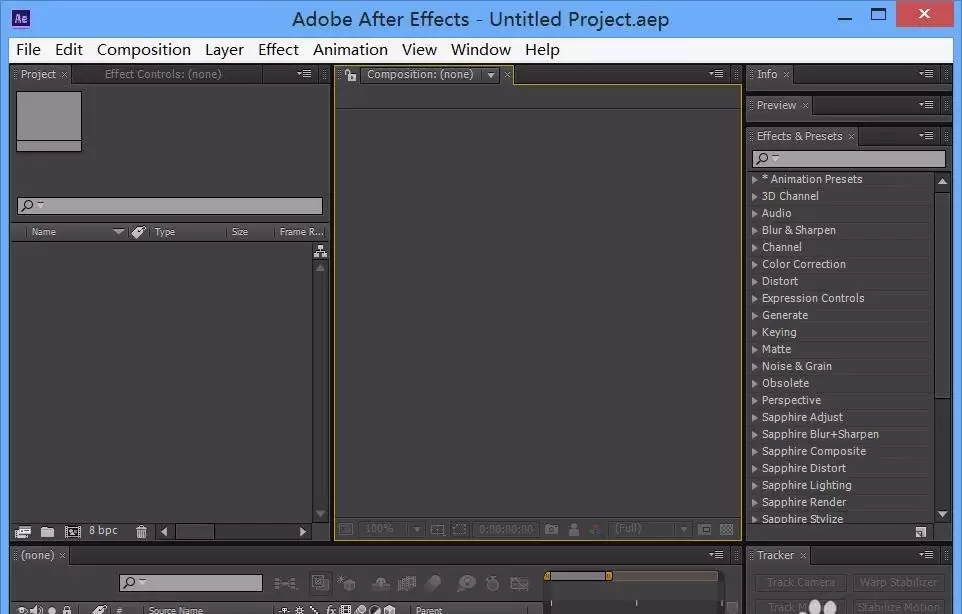
本文指导After Effects新手完成从打开软件到制作简单动画的完整流程。内容涵盖新建合成、导入素材、添加关键帧及预览验证,适用于AE基础学习。读者可依据步骤快速完成首个可播放的动效项目。
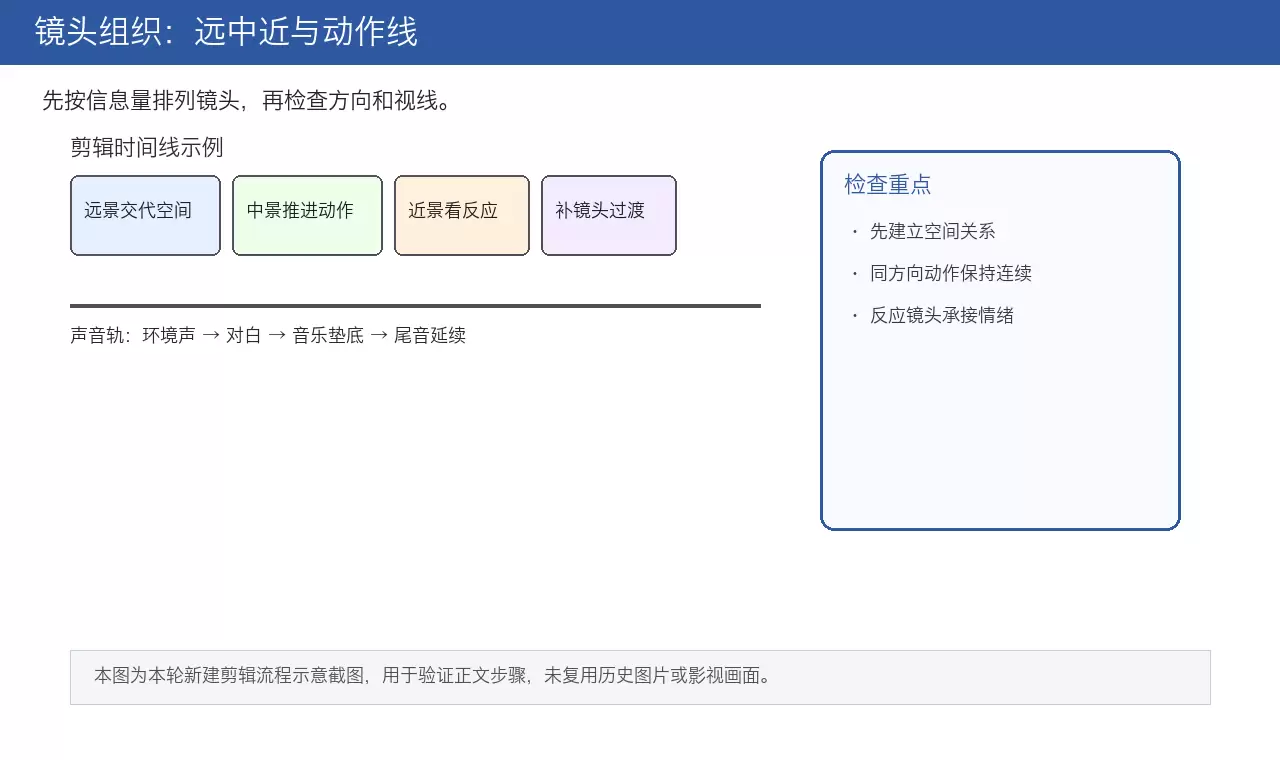
本文详解电影剪辑核心流程,从素材整理、镜头空间组织到叙事节奏压缩,再到J-cut/L-cut声音衔接技巧。通过粗剪保逻辑、精剪压停顿、反应镜头缓冲及电平统一检查,帮助创作者打造空间清晰、情绪连贯且听感自然的成片。
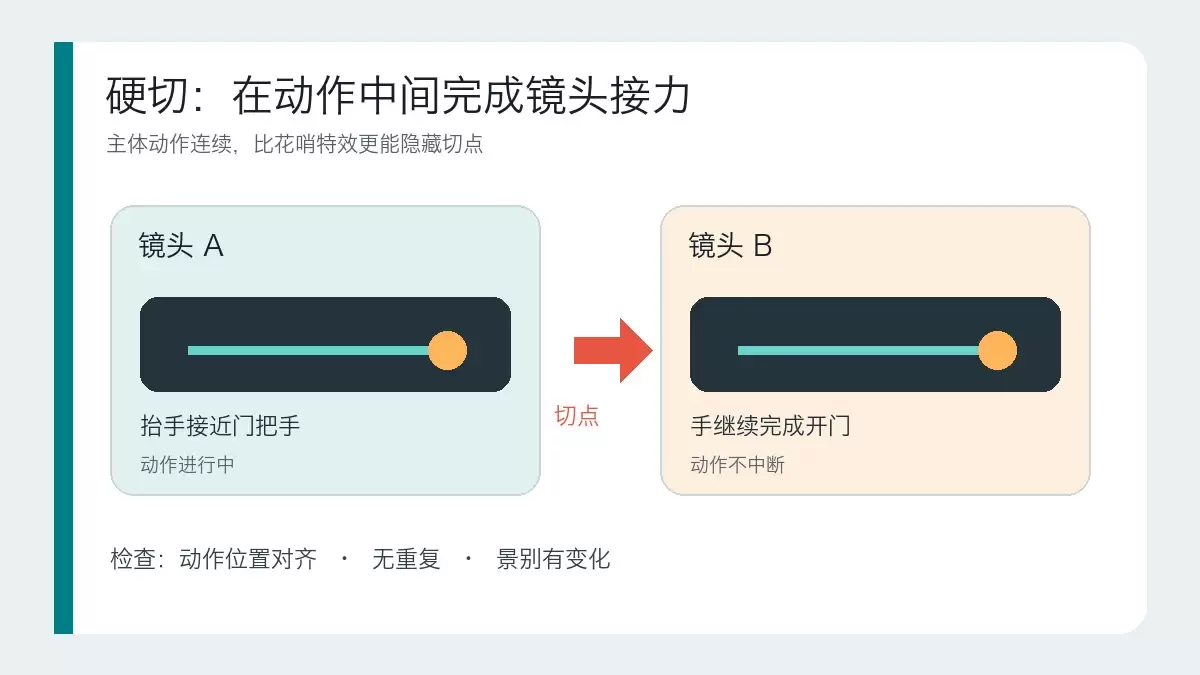
本文详解硬切、遮挡转场和运镜转场的适用场景与操作逻辑。通过对比三种转场的核心区别,提供基于素材条件和叙事目的的判断标准,帮助剪辑师避免滥用特效,掌握自然衔接画面的实战技巧。
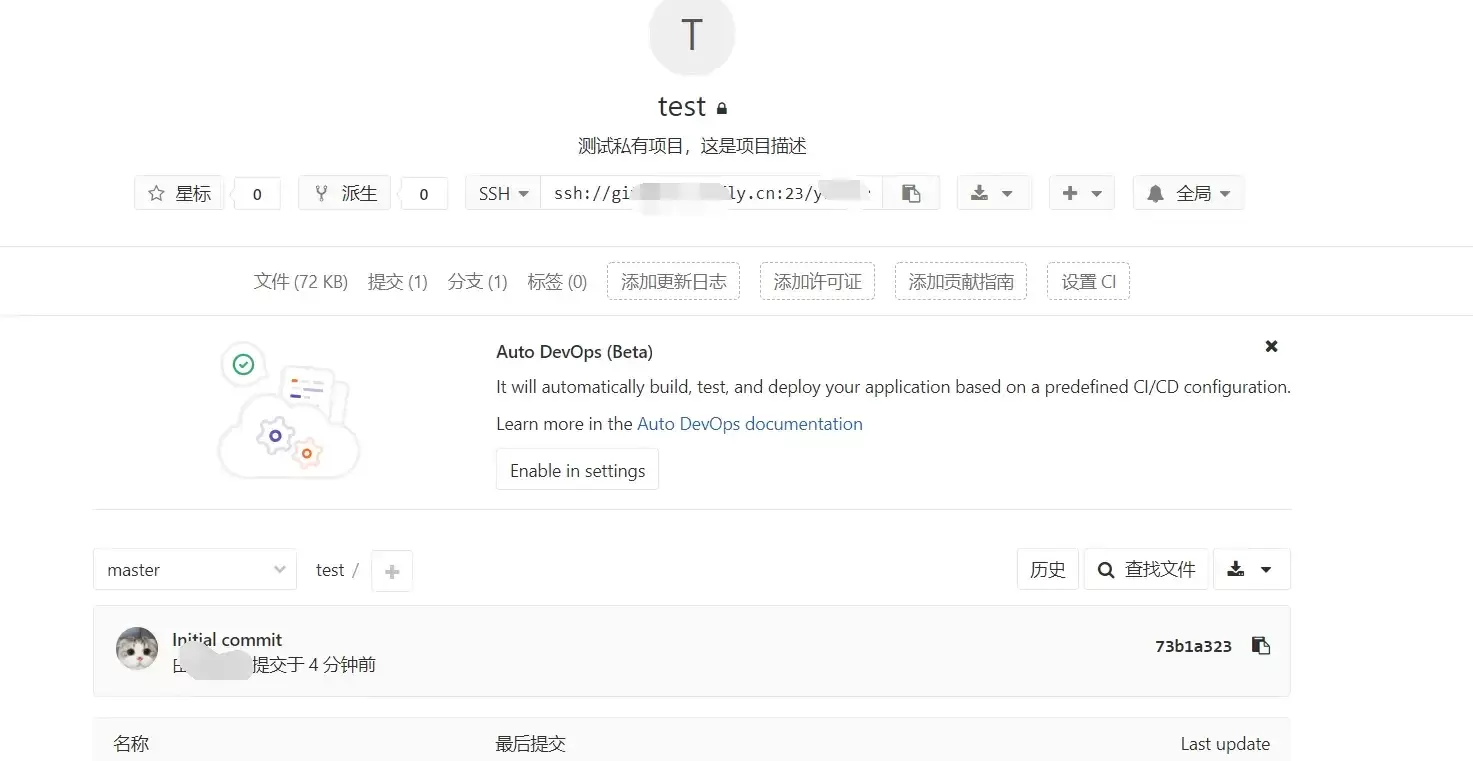
本文指导GitLab新手完成创建项目并推送第一次提交的最小闭环。涵盖远程项目创建、本地仓库初始化、添加远程地址及执行git push。重点说明HTTPS与SSH认证差异、分支名(master/main)核对及提交验证标准,确保远程仓库真正建立。
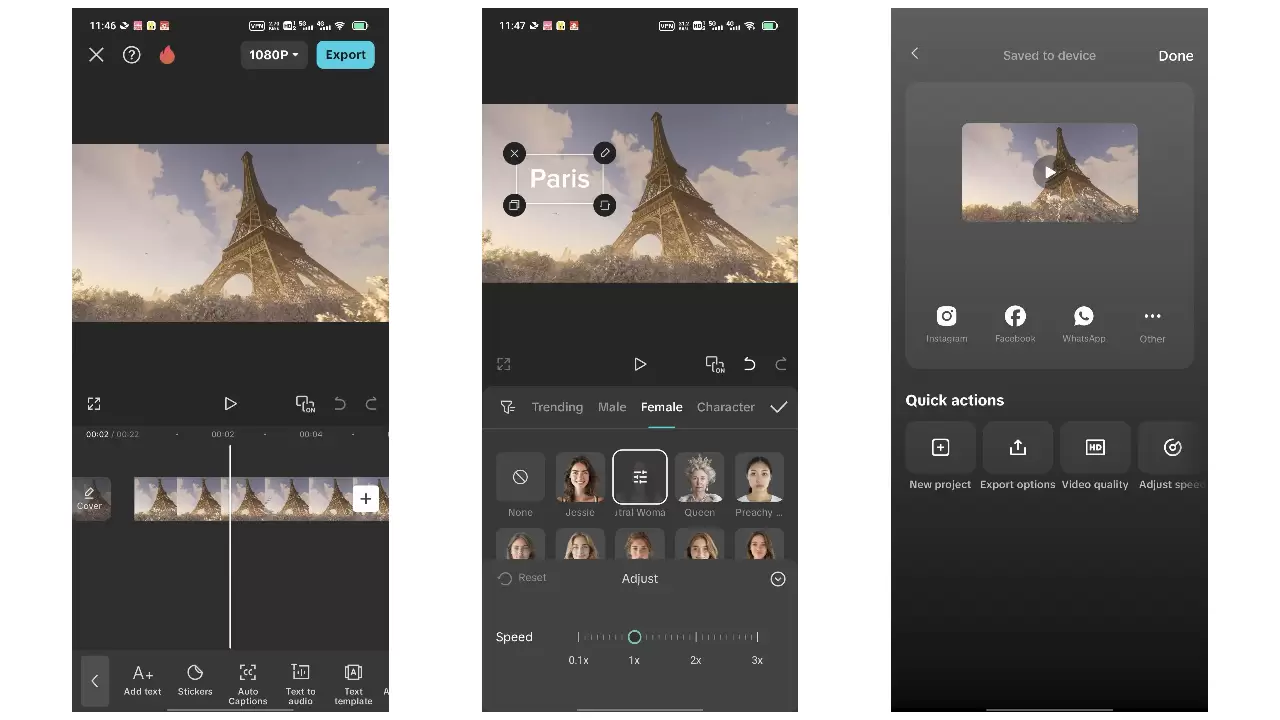
本教程针对抖音竖屏视频制作,涵盖拍摄前构思、稳定运镜、粗剪筛选、音乐卡点及导出检查全流程。重点在于拍摄时预留字幕空间、利用动作节点辅助剪辑,以及通过鼓点对齐画面。适用于新手快速完成第一条完整成片,强调素材质量与节奏自然,避免过度特效与版权风险。
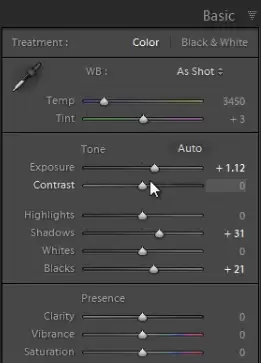
针对饭圈舞台照光线乱、噪点多、背景抢眼的痛点,本文提供“保脸、控光、突出主体”的修图方案。核心步骤包括:利用Lightroom降噪面板处理高ISO颗粒,控制曝光避免高光死白或脸部死黑;通过压低背景色彩、提升人物亮度与对比度来修正舞台灯光导致的肤色偏差;最后通过裁剪去除杂乱元素,确保人物主体清晰且肤色自然。
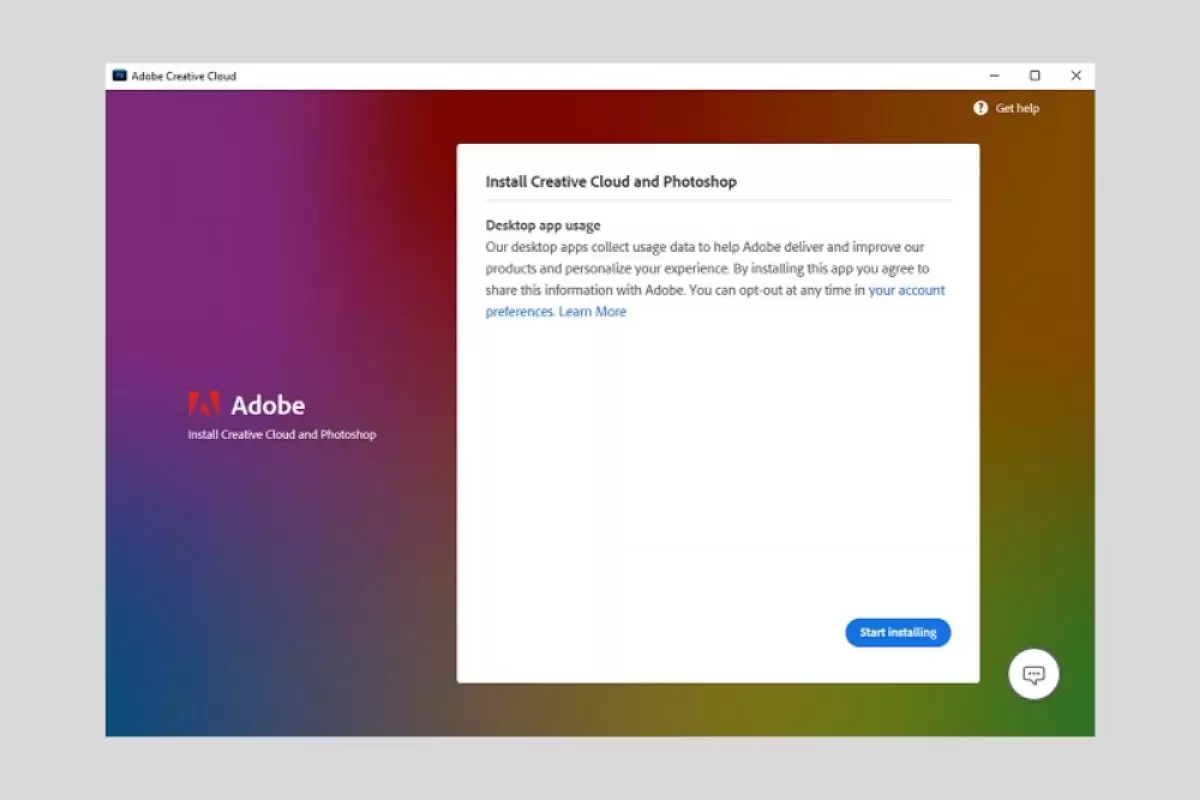
本文提供Photoshop完整安装指南,涵盖Windows/macOS系统要求、Creative Cloud客户端部署及常见启动故障排查。通过安装前磁盘与账号检查、安装中网络监控、安装后功能测试三步法,解决安装中断、登录失败及启动卡顿问题,确保软件稳定可用。
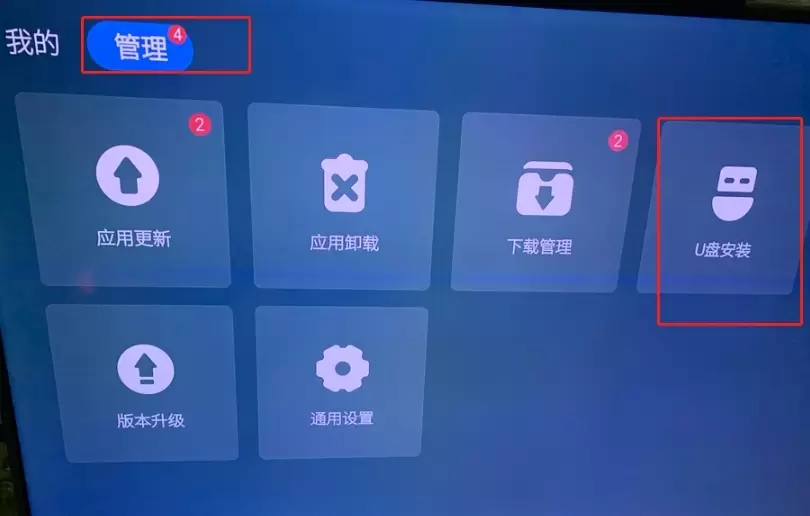
本文提供创维电视通过U盘安装第三方APK的完整操作指南。核心步骤包括:准备格式化的U盘与正规APK文件,在酷开系统“应用管理”中找到安装入口,临时开启“允许安装未知来源应用”权限,以及安装后的功能测试与权限关闭。适用于解决电视无法识别U盘、提示解析失败或权限受限等问题,确保安装安全且不影响系统稳定。
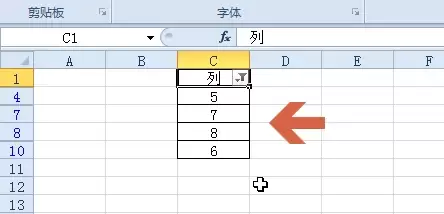
本教程演示如何在Excel中筛选大于指定数值的数据。核心步骤包括:确保数据连续、选中表头、通过“开始→排序和筛选”开启筛选,并在“数字筛选”中选择“大于”输入阈值。筛选仅隐藏不符合条件的行,不删除数据。完成后需逐行验证可见数据是否均大于阈值,并可通过取消筛选恢复全部数据。
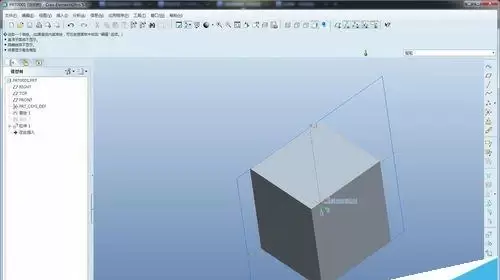
本教程指导Creo初学者完成首个拉伸实体建模。通过新建零件、选择mmns_part_solid模板、定义草绘平面及绘制封闭轮廓,生成三维实体。内容涵盖操作路径、参数设置及常见错误排查,帮助新手建立正确的建模逻辑与单位概念。






Windows 10 是一款微软推出的经典操作系统,拥有硬件兼容性与多任务处理能力。它更偏向把系统状态查看和常用调节动作放在一起,适合需要持续观察和微调设备状态的场景。

极度公式是一款跨平台专业LaTeX公式识别编辑软件,支持OCR公式识别和多平台编辑。和使用说明,避免使用,享受完整功能与稳定支持。做扫描整理、文字提取和表格转换时,它能把识别后的处理步骤接得更顺,资料录入这类场景会省下不少时间。