Ubuntu inotify如何与其他编程语言结合
在Ubuntu系统中,如果你想实时监控文件系统的动态,比如文件创建、修改或删除,那么inotify这个Linux内核子系统绝对是你的得力助手。它就像一位不知疲倦的哨兵,时刻关注着你指定目录的一举一动。好消息是,这套强大的机制并非C语言的专属,市面上主流的编程语言几乎都能与之联动。下面,我们就来具体看
在Ubuntu系统中,如果你想实时监控文件系统的动态,比如文件创建、修改或删除,那么inotify这个Linux内核子系统绝对是你的得力助手。它就像一位不知疲倦的哨兵,时刻关注着你指定目录的一举一动。好消息是,这套强大的机制并非C语言的专属,市面上主流的编程语言几乎都能与之联动。下面,我们就来具体看看几种常见语言的实现方式。
1. 使用C语言
要说与Linux内核交互最直接、最底层的选择,那非C语言莫属。通过调用原生的inotify API,你可以获得最精细的控制权。下面的代码示例展示了一个基本的监控循环:
#include
#include
#include
#include
#include

#define EVENT_SIZE( sizeof (struct inotify_event) )
#define BUF_LEN ( 1024 * ( EVENT_SIZE + 16 ) )

int main(int argc, char **argv) {
    int length, i = 0;
    int fd;
    int wd;
    char buffer[BUF_LEN];

    fd = inotify_init();
    if (fd < 0) {
        perror("inotify_init");
    }

    wd = inotify_add_watch(fd, "/path/to/directory", IN_MODIFY | IN_CREATE | IN_DELETE);

    length = read(fd, buffer, BUF_LEN);
    if (length < 0) {
        perror("read");
    }

    while (i < length) {
        struct inotify_event *event = (struct inotify_event *) &buffer[i];
        if (event->len) {
            if (event->mask & IN_CREATE) {
                printf("File %s was created.\n", event->name);
            } else if (event->mask & IN_DELETE) {
                printf("File %s was deleted.\n", event->name);
            } else if (event->mask & IN_MODIFY) {
                printf("File %s was modified.\n", event->name);
            }
        }
        i += EVENT_SIZE + event->len;
    }

    (void) inotify_rm_watch(fd, wd);
    (void) close(fd);
    exit(0);
}
这段代码清晰地演示了初始化、添加监控、读取事件以及清理资源的完整流程,是理解inotify工作机制的绝佳起点。
2. 使用Python
对于Python开发者来说,事情就变得优雅多了。借助pyinotify这个第三方库,你可以用更Pythonic的方式实现同样的功能。
首先,通过pip安装这个库:
pip install pyinotify安装完成后,编写脚本就非常直观了。你可以通过继承处理器类来定义不同事件触发时的动作:
import pyinotify

class EventHandler(pyinotify.ProcessEvent):
    def process_IN_CREATE(self, event):
        print(f"File {event.pathname} was created.")

    def process_IN_DELETE(self, event):
        print(f"File {event.pathname} was deleted.")

    def process_IN_MODIFY(self, event):
        print(f"File {event.pathname} was modified.")

watch_manager = pyinotify.WatchManager()
notifier = pyinotify.Notifier(watch_manager, EventHandler())

watch_manager.add_watch('/path/to/directory', pyinotify.IN_CREATE | pyinotify.IN_DELETE | pyinotify.IN_MODIFY, rec=True)
notifier.loop()
看,代码结构是不是清晰多了?这种基于事件驱动的编程模型,非常适合快速构建原型或开发需要文件监控的后台服务。
3. 使用Node.js
Node.js以其异步非阻塞的特性闻名,处理文件监控这类I/O密集型任务可谓得心应手。它内置的fs.watch模块就是一个现成的工具。
const fs = require('fs');
const path = '/path/to/directory';

fs.watch(path, { recursive: true }, (eventType, filename) => {
    if (filename) {
        console.log(`File ${filename} was ${eventType}`);
    } else {
        console.log('Event type is: ' + eventType);
    }
});短短几行代码,一个支持递归监控的监听器就搭建好了。需要注意的是,fs.watch API在不同操作系统下的行为和可靠性可能略有差异,但在Linux上,它通常就是基于inotify实现的。
4. 使用Ja va
在Ja va的世界里,自JDK 7引入的NIO.2包提供了WatchService接口,让文件系统监控成为了标准库的一部分,无需依赖第三方组件。
import ja va.nio.file.*;

public class WatchServiceExample {
    public static void main(String[] args) throws Exception {
        WatchService watcher = FileSystems.getDefault().newWatchService();
        Path dir = Paths.get("/path/to/directory");

        dir.register(watcher,
                StandardWatchEventKinds.ENTRY_CREATE,
                StandardWatchEventKinds.ENTRY_DELETE,
                StandardWatchEventKinds.ENTRY_MODIFY);

        while (true) {
            WatchKey key;
            try {
                key = watcher.take();
            } catch (InterruptedException ex) {
                return;
            }

            for (WatchEvent event : key.pollEvents()) {
                WatchEvent.Kind kind = event.kind();
                if (kind == StandardWatchEventKinds.OVERFLOW) {
                    continue;
                }
                WatchEvent ev = (WatchEvent) event;
                Path filename = ev.context();
                System.out.println(kind.name() + ": " + filename);
            }

            boolean valid = key.reset();
            if (!valid) {
                break;
            }
        }
    }
}
Ja va的实现方式虽然代码量稍多,但结构严谨,通过注册监听目录和轮询WatchKey来获取事件,体现了其稳健的企业级风格。
总而言之,无论你的技术栈是偏向底层的C,还是高效的Python、异步的Node.js,或是稳健的Ja va,都能找到与inotify协同工作的成熟方案。选择哪一种,完全取决于你的项目需求、团队熟悉度以及具体的应用场景。
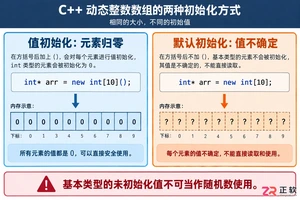
深入解析C++中动态数组的初始化机制,涵盖new操作符的不同用法、基本类型与类对象的初始化差异,以及为何在现代C++开发中应优先使用std::vector。
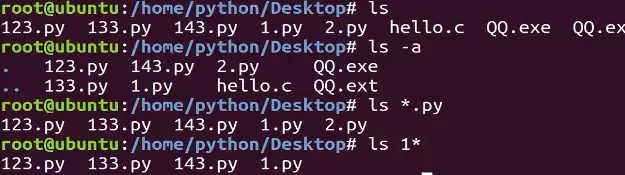
本教程指导Ubuntu新手打开终端,通过pwd、ls、cd、mkdir和touch命令完成基础文件目录操作。适用于桌面版、虚拟机及WSL环境,提供从查看路径到创建测试文件的完整验证步骤,帮助读者建立命令行操作的安全意识与正确习惯。
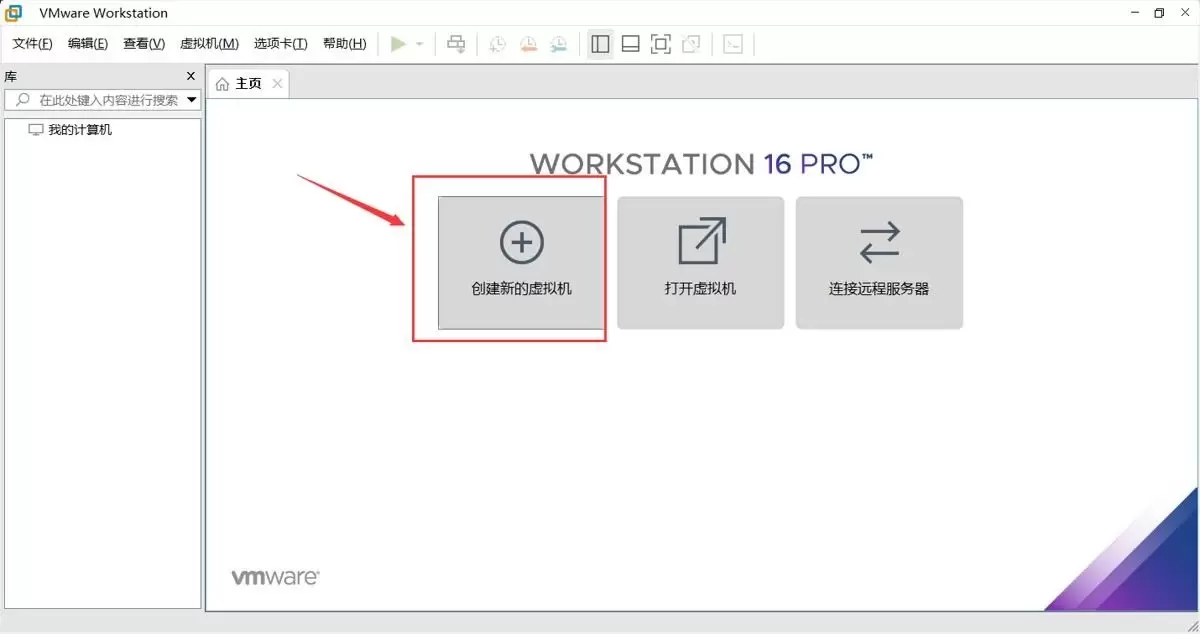
本文提供在VMware中安装Ubuntu并验证启动的完整流程。适用于首次练习Linux或搭建开发环境的用户。按步骤完成虚拟机创建、ISO挂载、硬件分配与安装后,可通过终端命令确认版本、内核与网络状态,确保系统可正常使用。
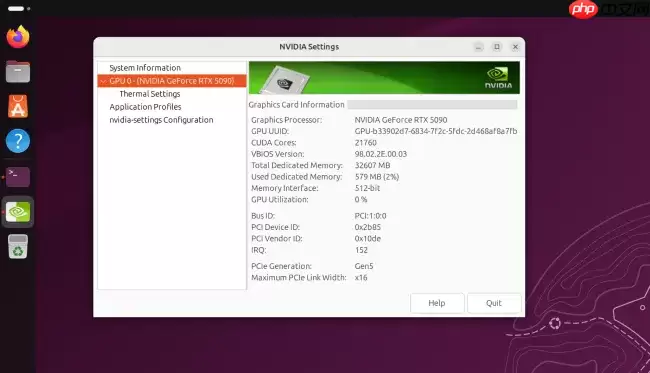
Ubuntu26.04LTS针对英伟达显卡在Wayland+GNOME环境进行性能调优,通过修改gbm_surface_lock_front_buffer函数,将帧渲染等待时间从毫秒级降至微秒级,显著提升UI响应和画面流畅度。该补丁已作为发行版专属补丁集成,确保LTS用户无需等待上游整合即可获得优化体验。
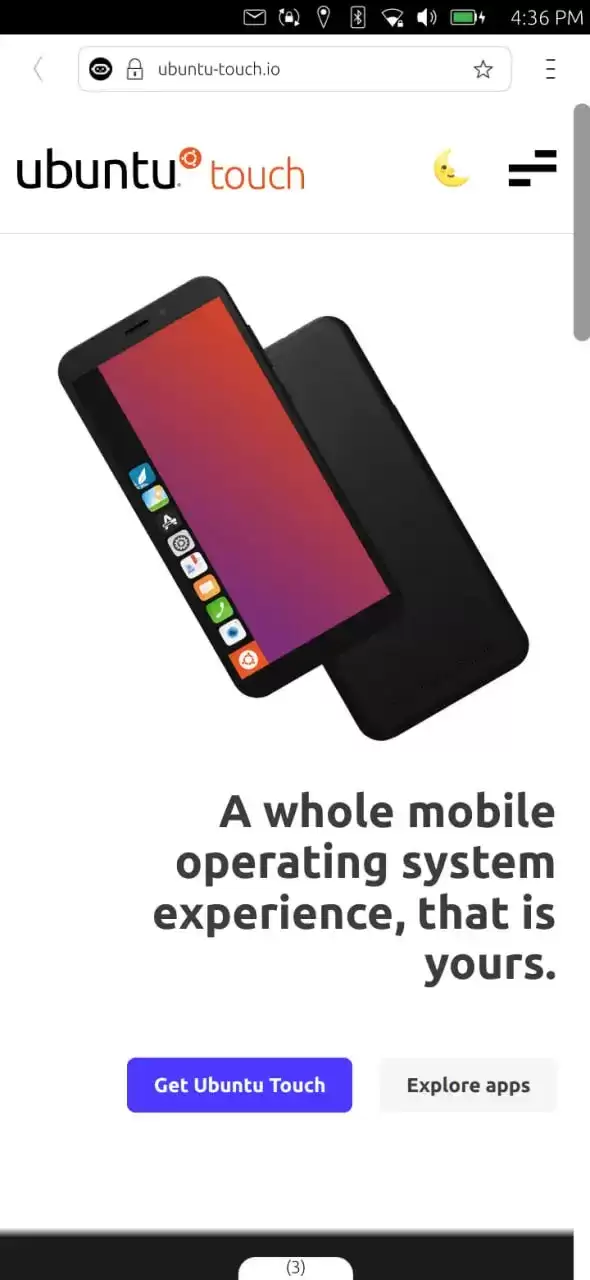
UbuntuTouch24.04-2.0Beta发布,底层升级至Ubuntu24.04,浏览器引擎从Chromium87跃升至134,网页兼容性显著提升;新增屏幕刘海区域自动适配、截图编辑器、网络指示器改进、移动数据可靠性增强、数据加密稳定,并新增NothingPhone(1)等设备支持。
ufw status仅显示高层策略和显式添加的规则(如“80 ALLOW Anywhere”),不反映默认策略绕过、IPv6独立规则、Docker等直写nftables的bypass规则,也无法体现本地回环流量不受管控等底层细节。Ubuntu 默认用 ufw 管理防火墙,但规则实际由 nftable
锁屏背景和桌面壁纸之所以不同,是因为GNOME默认会复制桌面壁纸,然后强制叠加高斯模糊和亮度调整效果,这个效果是由lockDialogGroup的CSS来控制的。要是想去除模糊,建议使用Control Blur Effect On Lock Screen扩展,把Adjust Sigma设置为0就行。
Ubuntu Swapper(一般就是指Ubuntu的交换分区或者交换文件)在服务器上的应用成效,是由多个因素共同决定的,像服务器的硬件配置情况、工作负载的类型以及交换空间的大小和具体配置等。下面为大家带来一些有关Ubuntu Swapper在服务器上应用效果的一般性评价:正面效果内存管理:交换空间
根本原因是纯命令行tty默认不支持UTF-8及中文字体渲染,locale设置仅影响字符解析逻辑,不解决字体绘制问题;图形终端自带UTF-8渲染,而tty需借助fbterm等工具实现中文显示。为什么终端里中文显示为问号或方块 纯命令行(tty,例如通过Ctrl+Alt+F3进入的界面)默认不会加载UT

通过分析Tomcat日志来提升Ubuntu服务器性能是一个很好的方法。以下是一些步骤和建议,帮助你通过Tomcat日志来优化服务器性能:1. 收集日志首先,得保证你的Tomcat服务器有详细的日志记录配置。在conf/logging.properties文件里,你可以对日志级别和输出格式进行调整。o






Windows 10 是一款微软推出的经典操作系统,拥有硬件兼容性与多任务处理能力。它更偏向把系统状态查看和常用调节动作放在一起,适合需要持续观察和微调设备状态的场景。

极度公式是一款跨平台专业LaTeX公式识别编辑软件,支持OCR公式识别和多平台编辑。和使用说明,避免使用,享受完整功能与稳定支持。做扫描整理、文字提取和表格转换时,它能把识别后的处理步骤接得更顺,资料录入这类场景会省下不少时间。