Gin博客配置文件使用全解析
以下是关于Gin框架的初始化和配置文件使用指南的伪原创版本,保持了原文的大意和语言,同时调整了部分表达方式。Gin框架文档和项目初始化Gin框架的官方文档可以在这里找到。初始化Gin项目要初始化一个Gin项目,首先需要设置Go模块代理:GOPROXY=https://goproxy.cn,direct然后初始化项目:gomodinitprojectName配置并构建项目:gobuild安装Gin通过以下命令安装Gin:goget-ugithub.com/gin-gon
以下是关于Gin框架的初始化和配置文件使用指南的伪原创版本,保持了原文的大意和语言,同时调整了部分表达方式。
Gin 框架文档和项目初始化
Gin 框架的官方文档可以在 这里 找到。
初始化 Gin 项目
要初始化一个 Gin 项目,首先需要设置 Go 模块代理:
GOPROXY=https://goproxy.cn,direct
然后初始化项目:
go mod init projectName
配置并构建项目:
go build

安装 Gin
通过以下命令安装 Gin:
go get -u github.com/gin-gonic/gin
-u 标志表示如果已存在 Gin,则更新到最新版本。
Gin 项目的目录结构如下:

配置文件的使用
我们选择使用 .ini 文件作为网站的配置文件。相关文档可以在 这里 找到。
安装所需的包:
go get gopkg.in/ini.v1
在项目根目录下创建 config/config.ini 文件。.ini 文件的结构包括分区、键和值。
config/config.ini
[server]
AppMode = debug
HttpPort = :3000

[database]
Db = mysql
Dbhost = localhost
DbUser =
DbPassWord =
DbName = ginVue3blog
读取配置文件数据
在 utils 目录中读取配置文件数据,并声明配置文件中的全局变量。
安装所需的包:
go get -u gopkg.in/ini.v1
详细参考文档:这里
utils/setting
package utils

import (
    "fmt"
    "gopkg.in/ini.v1"
)

var (
    AppMode  string
    HttpPort string
    Db         string
    DbHost     string
    DbPort     string
    DbUser     string
    DbPassWord string
    DbName     string
)

func init() {
    cfg, err := ini.Load("../config/config.ini")
    if err != nil {
        fmt.Printf("无法读取文件: %v", err)
    }
    AppMode = cfg.Section("server").Key("AppMode").MustString("debug")
    HttpPort = cfg.Section("server").Key("HttpPort").MustString("debug")
    Db = cfg.Section("database").Key("Db").MustString("mysql")
    DbHost = cfg.Section("database").Key("DbHost").MustString("localhost")
    DbPort = cfg.Section("database").Key("Db Port").MustString("3306")
    DbUser = cfg.Section("database").Key("DbUser").MustString("root")
    DbPassWord = cfg.Section("database").Key("DbPassWord").MustString("wucs123")
    DbName = cfg.Section("database").Key("DbName").MustString("ginVue3blog")
}
路由配置
routes/router
package routes

import (
    setting "ginVue3blog/utils"
    "github.com/gin-gonic/gin"
    "net/http"
)

func InitRouter() {
    gin.SetMode(setting.AppMode)
    r := gin.Default()
    router := r.Group("api/v1")
    {
        router.GET("hello", func(c *gin.Context) {
            c.JSON(http.StatusOK, gin.H{
                "msg": "ok",
            })
        })
    }
    // 此函数可以返回一个引擎 *gin.Engine,然后在 main 函数中调用运行
    // 也可以不返回,直接运行
    r.Run(setting.HttpPort)
}
运行测试
main.go
package main

import "ginVue3blog/routes"

func main() {
    // 引入路由
    routes.InitRouter()
}
图片及部分相关技术知识点来源于网络搜索,如有侵权请联系删除!
电脑开机后一直显示转圈圈无法进入桌面?本文详解Windows启动加载界面的含义,介绍通过强制重启、进入安全模式、清理启动项及执行系统修复来解决卡顿问题的具体步骤。
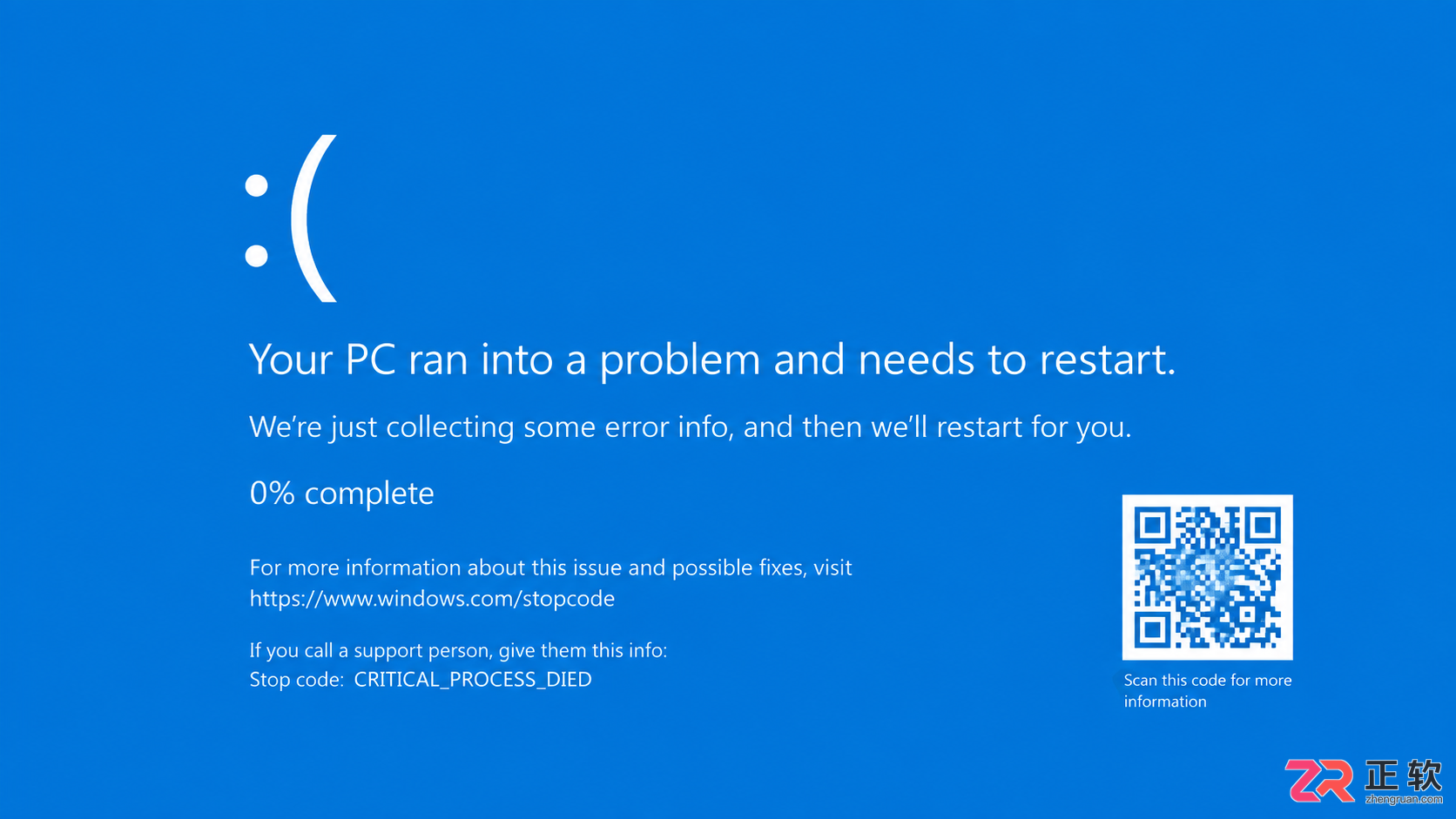
遇到电脑蓝屏不知所措?本文整理常见蓝屏代码对照表,详解CRITICAL_PROCESS_DIED、MEMORY_MANAGEMENT等错误含义,提供驱动更新、内存检测等实用解决方法。
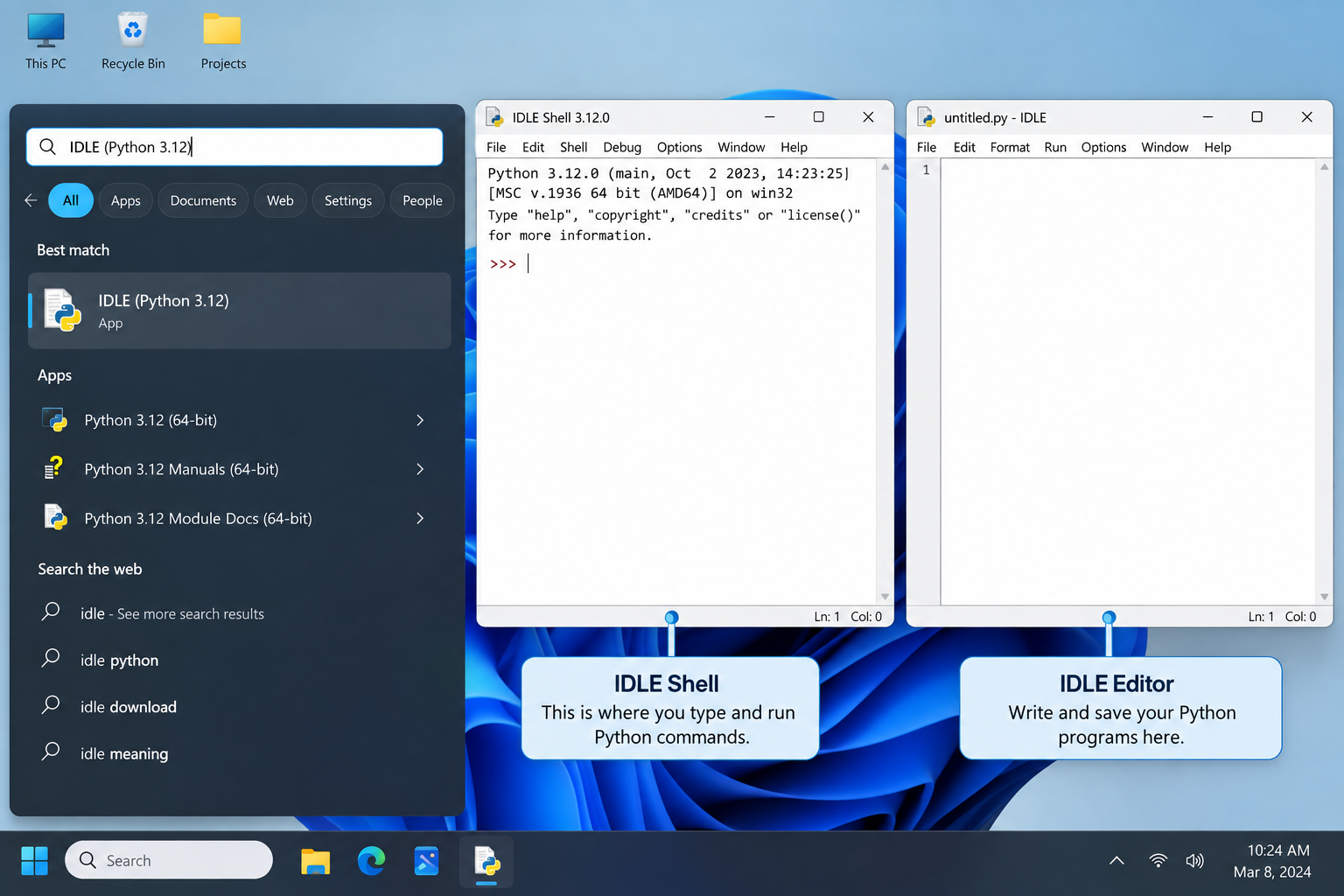
刚在Windows安装好Python却不知道如何启动?本文详细演示如何通过开始菜单找到并打开IDLE集成开发环境,以及如何在PowerShell或命令提示符中使用python和py命令启动交互式解释器、运行.py脚本文件。包含退出解释器的方法及常见启动问题排查,帮助初学者快速验证安装成功并开始编写代码。
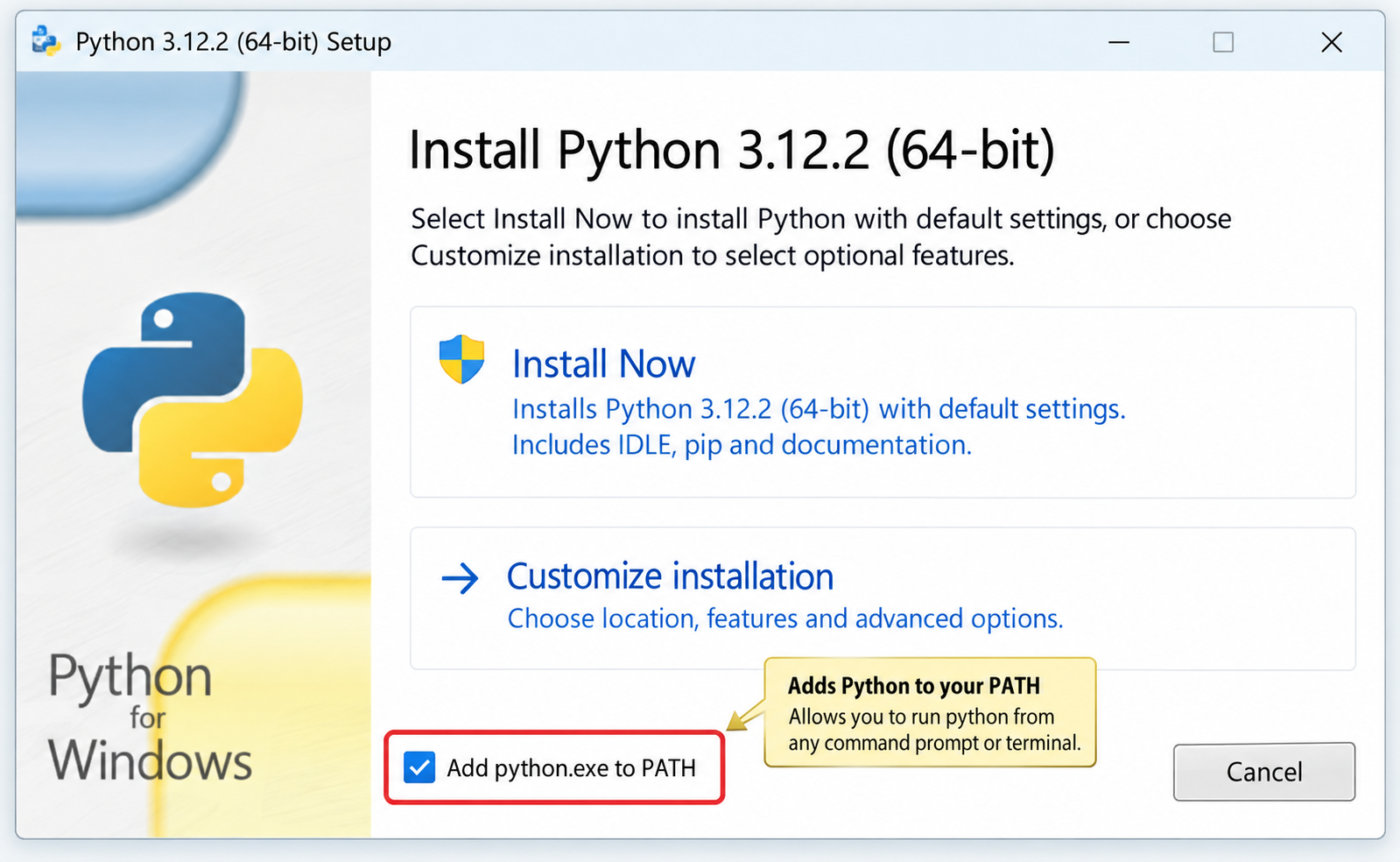
针对Windows初学者的Python安装实战指南。详细讲解如何从Python官网下载匹配架构的安装包,重点演示安装首屏勾选“Add python.exe to PATH”的关键操作,并提供使用python --version和py命令验证环境变量的具体步骤,帮助新手快速搭建开发环境并排查路径问题。
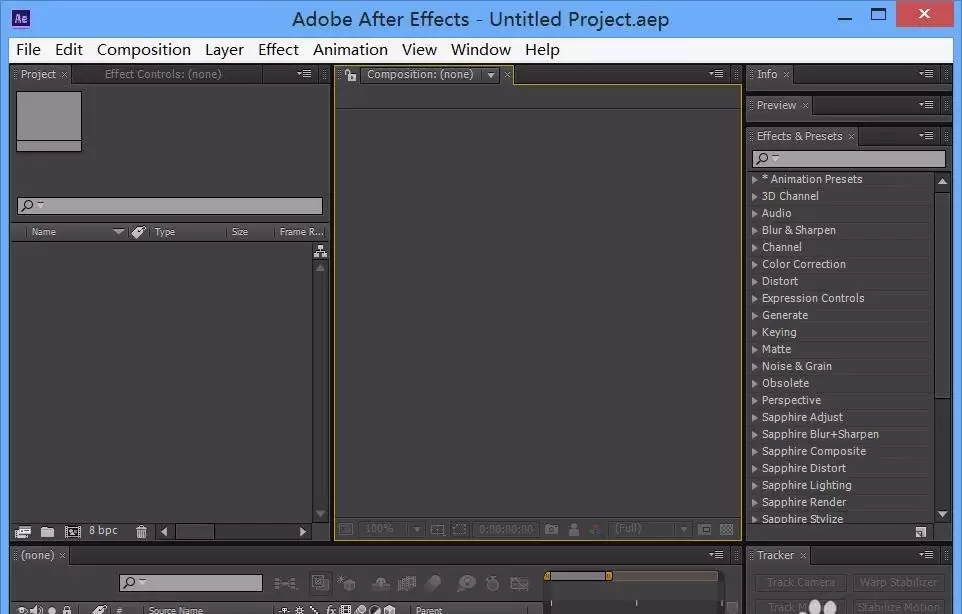
本文指导After Effects新手完成从打开软件到制作简单动画的完整流程。内容涵盖新建合成、导入素材、添加关键帧及预览验证,适用于AE基础学习。读者可依据步骤快速完成首个可播放的动效项目。
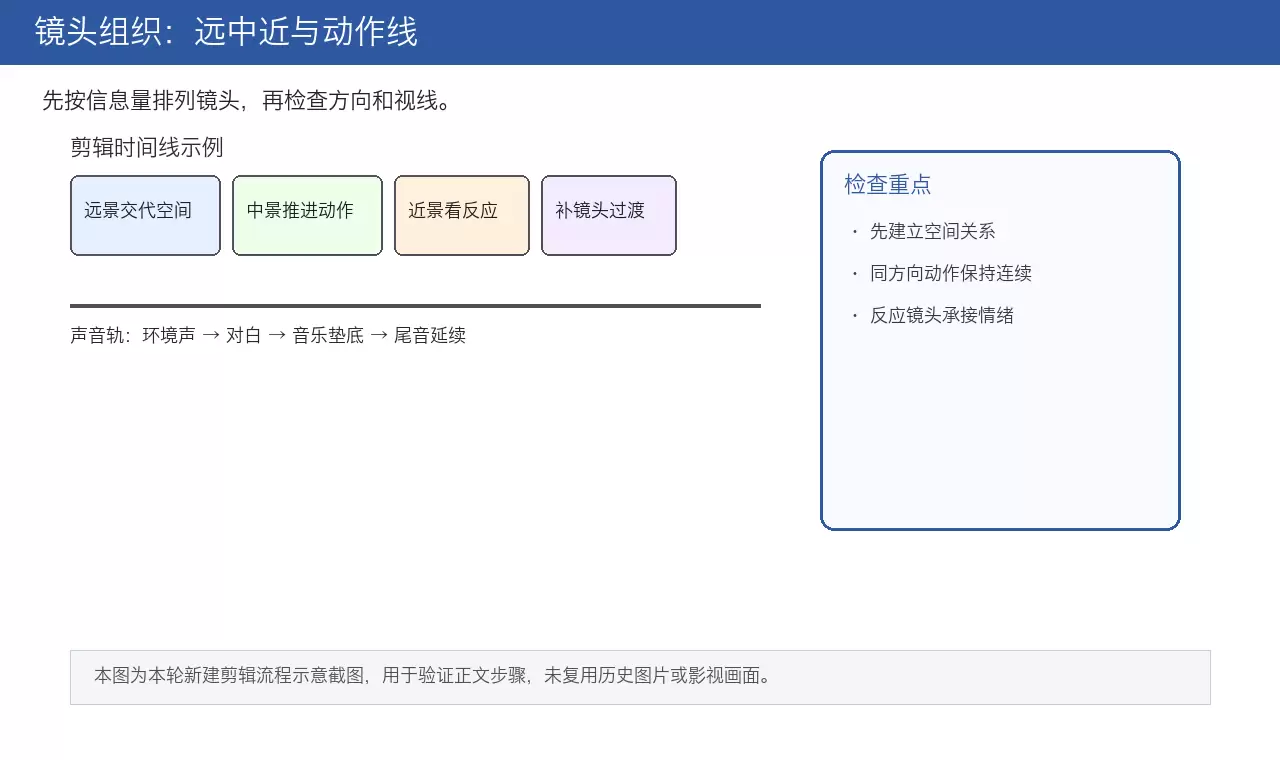
本文详解电影剪辑核心流程,从素材整理、镜头空间组织到叙事节奏压缩,再到J-cut/L-cut声音衔接技巧。通过粗剪保逻辑、精剪压停顿、反应镜头缓冲及电平统一检查,帮助创作者打造空间清晰、情绪连贯且听感自然的成片。
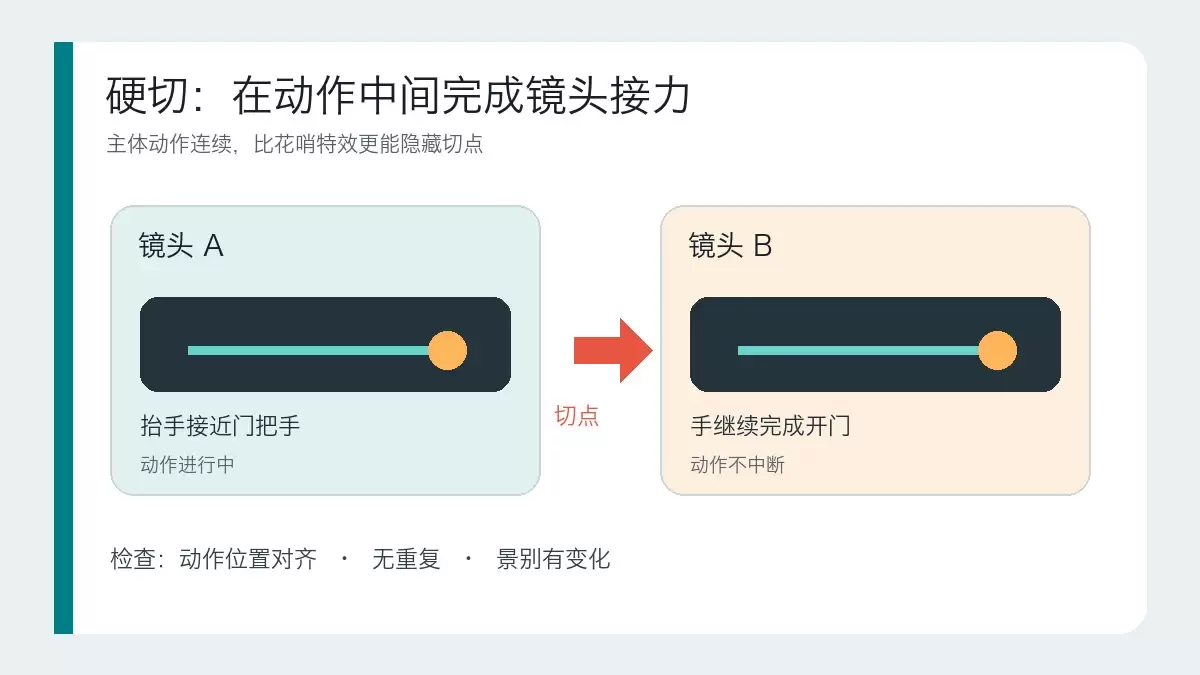
本文详解硬切、遮挡转场和运镜转场的适用场景与操作逻辑。通过对比三种转场的核心区别,提供基于素材条件和叙事目的的判断标准,帮助剪辑师避免滥用特效,掌握自然衔接画面的实战技巧。
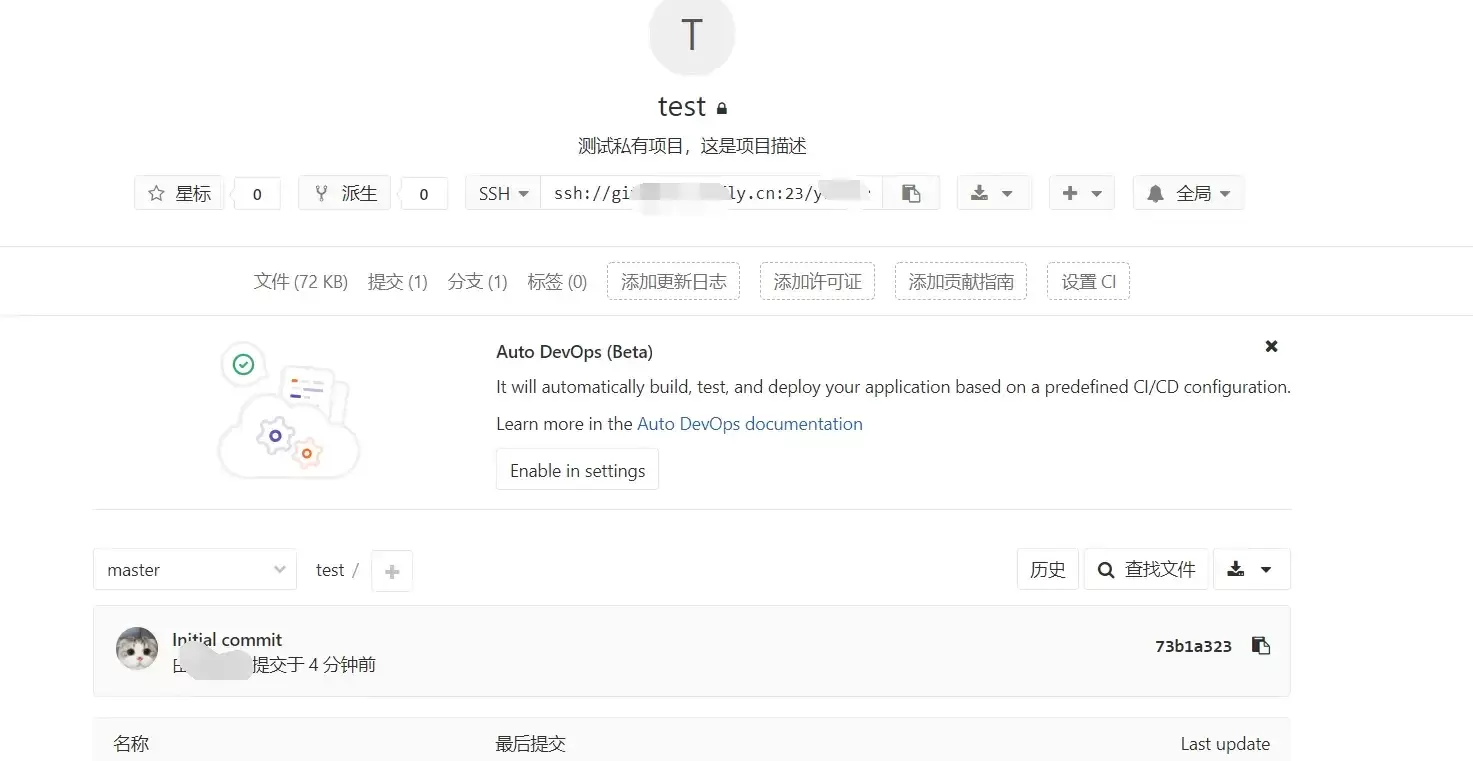
本文指导GitLab新手完成创建项目并推送第一次提交的最小闭环。涵盖远程项目创建、本地仓库初始化、添加远程地址及执行git push。重点说明HTTPS与SSH认证差异、分支名(master/main)核对及提交验证标准,确保远程仓库真正建立。
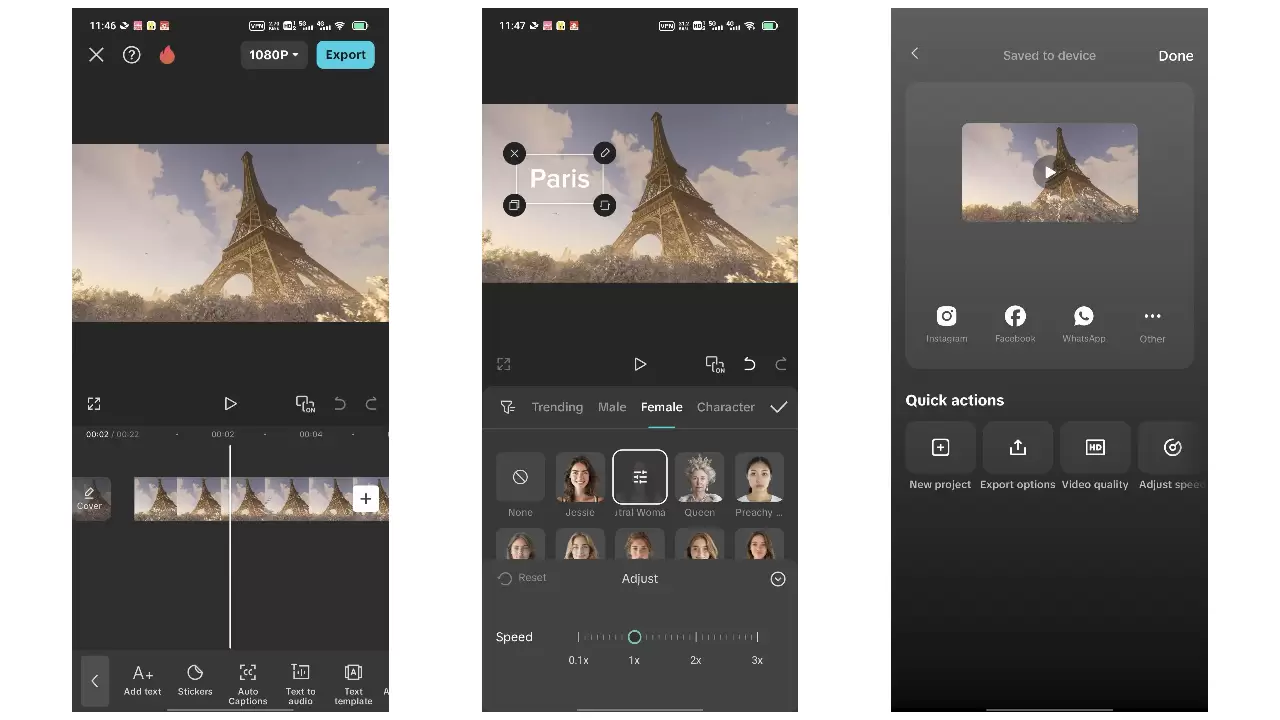
本教程针对抖音竖屏视频制作,涵盖拍摄前构思、稳定运镜、粗剪筛选、音乐卡点及导出检查全流程。重点在于拍摄时预留字幕空间、利用动作节点辅助剪辑,以及通过鼓点对齐画面。适用于新手快速完成第一条完整成片,强调素材质量与节奏自然,避免过度特效与版权风险。






Windows 10 是一款微软推出的经典操作系统,拥有硬件兼容性与多任务处理能力。它更偏向把系统状态查看和常用调节动作放在一起,适合需要持续观察和微调设备状态的场景。

极度公式是一款跨平台专业LaTeX公式识别编辑软件,支持OCR公式识别和多平台编辑。和使用说明,避免使用,享受完整功能与稳定支持。做扫描整理、文字提取和表格转换时,它能把识别后的处理步骤接得更顺,资料录入这类场景会省下不少时间。