

用 Pygame 实现 15 puzzle
基于Tkinter版本,借助AI工具Trae将15puzzle移植为Pygame实现,调整界面与交互细节后完成代码编写,涵盖棋盘生成、随机打乱、点击移动及胜利判断等核心功能。
背景
在之前用 Tkinter 实现简单 15 puzzle 的文章中,我们完成了一个基本版本。但如果换成 Pygame 来做,界面显然可以做得更漂亮。于是决定在那篇基础上,用 Pygame 重新实现一次 15 puzzle。
正文
代码
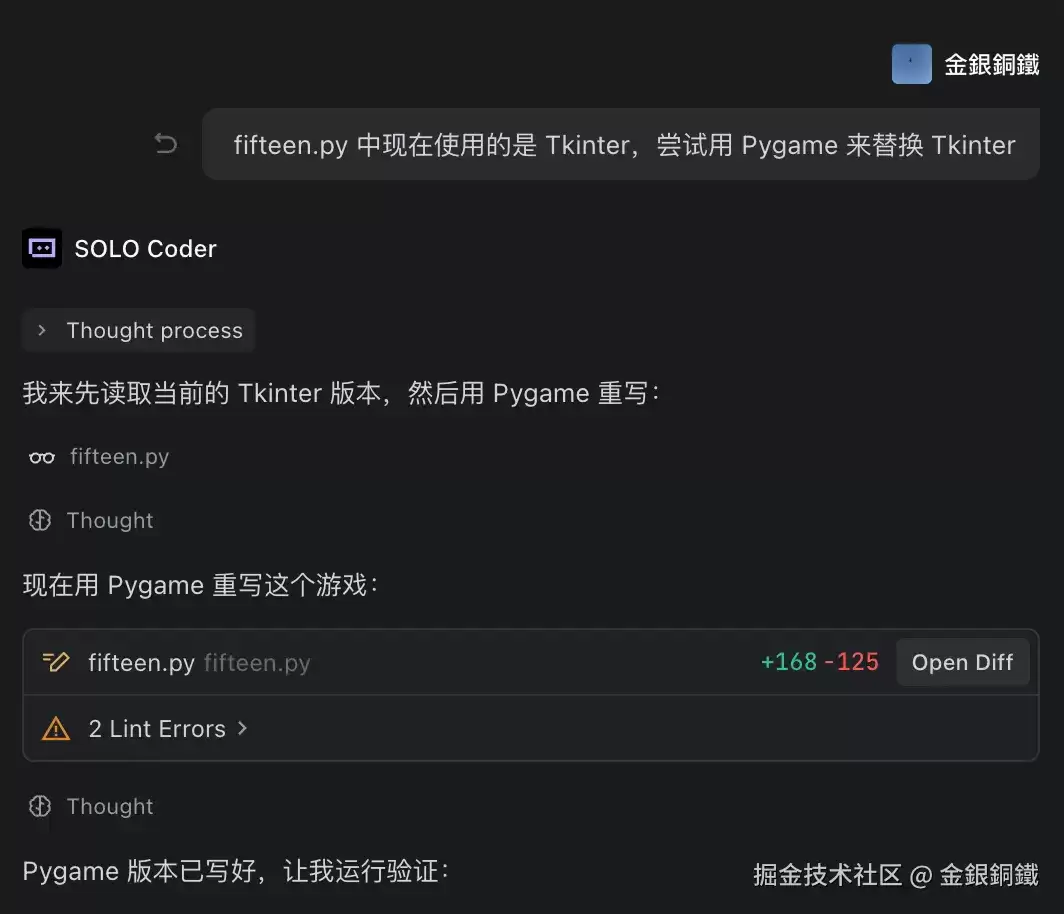
关于 15 puzzle 的基本介绍和需要解决的问题,在之前那篇 Tkinter 版本的文章中已经详细说明,这里不再重复。对于 Pygame,刚开始接触,了解还比较有限,再加上当下 AI 工具的能力已经非常强大,所以决定先借助 trae 来完成从 Tkinter 到 Pygame 的转化,而自己只需要在生成的代码基础上做调整就好了。转化的过程如下图所示(trae 的回答内容有点长,下图只截取了一部分内容):
转化后的代码虽然不是百分之百准确,但质量已经相当高。在此基础上再调整了一些细节,最终代码如下:
 复制代码import pygame
import randomclass FifteenPuzzle:
    CELL_SIZE = 100
    CELL_GAP = 5
    N = 4
    WINDOW_SIZE = N * CELL_SIZE + (N + 1) * CELL_GAP + 150
    FONT_SIZE = 50    WHITE = (255, 255, 255)
    BLACK = (0, 0, 0)
    GRAY = (200, 200, 200)
    BLUE = (100, 149, 237)
    GREEN = (60, 179, 113)
    DARK_BLUE = (70, 130, 180)    VALUE_FOR_EMPTY_POS = N * N    def __init__(self):
        pygame.init()
        self.screen = pygame.display.set_mode((self.WINDOW_SIZE, self.WINDOW_SIZE))
        pygame.display.set_caption("15 Puzzle")
        self.clock = pygame.time.Clock()
        self.font = pygame.font.Font(None, self.FONT_SIZE)
        self.button_font = pygame.font.Font(None, 36)        self.board = []
        self.empty_pos = (self.N - 1, self.N - 1)
        self.click_cnt = 0
        self.game_won = False        self.new_game_rect = pygame.Rect(
            self.WINDOW_SIZE // 2 - 80,
            self.WINDOW_SIZE - 60,
            160,
            40
        )        self.create_board()
        self.shuffle_board()    def create_board(self):
        self.board = []
        for row in range(self.N):
            self.board.append([])
            for col in range(self.N):
                value = row * self.N + col + 1
                self.board[row].append(value)

    def is_inside_board(self, pos):
        row, col = pos
        return 0 <= row < self.N and 0 <= col < self.N    def shuffle_board(self):
        while True:
            for _ in range(100):
                row, col = self.empty_pos
                candidates = [(row - 1, col), (row + 1, col), (row, col - 1), (row, col + 1)]
                while True:
                    candidate = random.choice(candidates)
                    if self.is_inside_board(candidate):
                        break
                r, c = candidate
                self.board[self.empty_pos[0]][self.empty_pos[1]] = self.board[r][c]
                self.board[r][c] = self.VALUE_FOR_EMPTY_POS
                self.empty_pos = candidate
            if not self.all_at_original_position():
                break    def all_at_original_position(self):
        for row in range(self.N):
            for col in range(self.N):
                target = row * self.N + col + 1
                if self.board[row][col] != target:
                    return False
        return True    def get_cell_rect(self, row, col):
        x = self.CELL_GAP + col * (self.CELL_SIZE + self.CELL_GAP)
        y = self.CELL_GAP + row * (self.CELL_SIZE + self.CELL_GAP)
        return pygame.Rect(x, y, self.CELL_SIZE, self.CELL_SIZE)    def draw_cell(self, row, col, color, text_color=BLACK):
        rect = self.get_cell_rect(row, col)
        pygame.draw.rect(self.screen, color, rect, border_radius=8)
        if (row, col) != self.empty_pos:
            text = self.font.render(str(self.board[row][col]), True, text_color)
            text_rect = text.get_rect(center=rect.center)
            self.screen.blit(text, text_rect)    def draw_button(self, text, rect, color, hover_color):
        mouse_pos = pygame.mouse.get_pos()
        if rect.collidepoint(mouse_pos):
            pygame.draw.rect(self.screen, hover_color, rect, border_radius=8)
        else:
            pygame.draw.rect(self.screen, color, rect, border_radius=8)
        text_surf = self.button_font.render(text, True, self.WHITE)
        text_rect = text_surf.get_rect(center=rect.center)
        self.screen.blit(text_surf, text_rect)    def draw(self):
        self.screen.fill(self.GRAY)        for row in range(self.N):
            for col in range(self.N):
                if self.game_won:
                    self.draw_cell(row, col, self.GREEN)
                elif (row, col) == self.empty_pos:
                    self.draw_cell(row, col, self.WHITE)
                else:
                    self.draw_cell(row, col, self.BLUE)        if self.game_won:
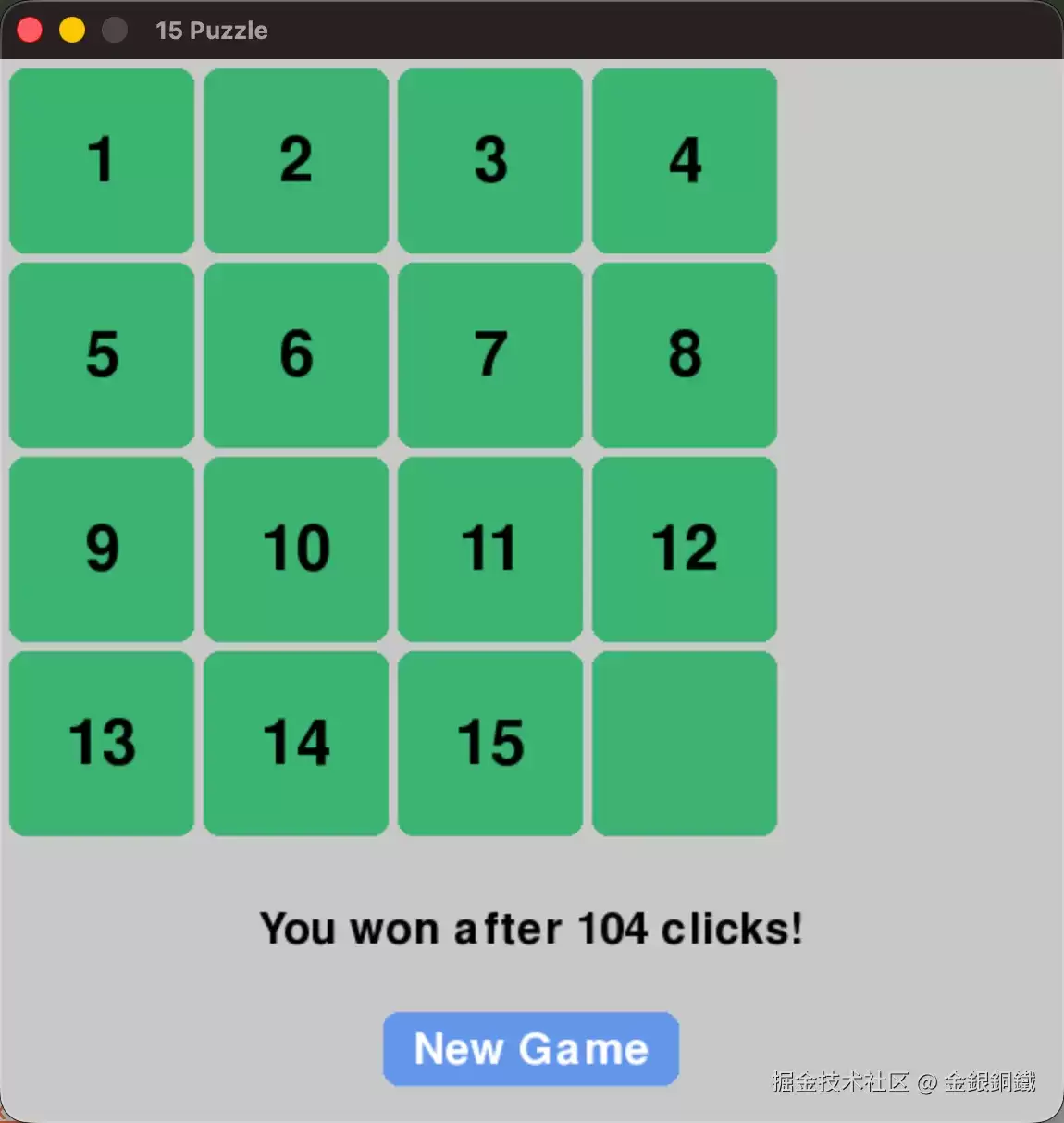
            msg = f"You won after {self.click_cnt} clicks!"
        else:
            msg = f"Clicks: {self.click_cnt}"
        click_text = self.button_font.render(msg, True, self.BLACK)
        click_rect = click_text.get_rect(center=(self.WINDOW_SIZE // 2, self.WINDOW_SIZE - 105))
        self.screen.blit(click_text, click_rect)        self.draw_button("New Game", self.new_game_rect, self.BLUE, self.DARK_BLUE)        pygame.display.flip()    def handle_click(self, pos):
        if self.new_game_rect.collidepoint(pos):
            self.create_board()
            self.shuffle_board()
            self.click_cnt = 0
            self.game_won = False
            return        if self.game_won:
            return        for row in range(self.N):
            for col in range(self.N):
                if self.get_cell_rect(row, col).collidepoint(pos):
                    row_diff = abs(row - self.empty_pos[0])
                    col_diff = abs(col - self.empty_pos[1])
                    if (row_diff == 1 and col_diff == 0) or (col_diff == 1 and row_diff == 0):
                        self.board[self.empty_pos[0]][self.empty_pos[1]] = self.board[row][col]
                        self.board[row][col] = self.VALUE_FOR_EMPTY_POS
                        self.empty_pos = (row, col)

                        self.click_cnt += 1
                        if self.all_at_original_position():
                            self.game_won = True
                    break    def run(self):
        running = True
        while running:
            for event in pygame.event.get():
                if event.type == pygame.QUIT:
                    running = False
                elif event.type == pygame.MOUSEBUTTONDOWN:
                    if event.button == 1:
                        self.handle_click(event.pos)            self.draw()
            self.clock.tick(60)        pygame.quit()if __name__ == "__main__":
    game = FifteenPuzzle()
    game.run()
运行效果
将完整的代码保存为 fifteen.py,然后在终端中执行:
复制代码python3 fifteen.py
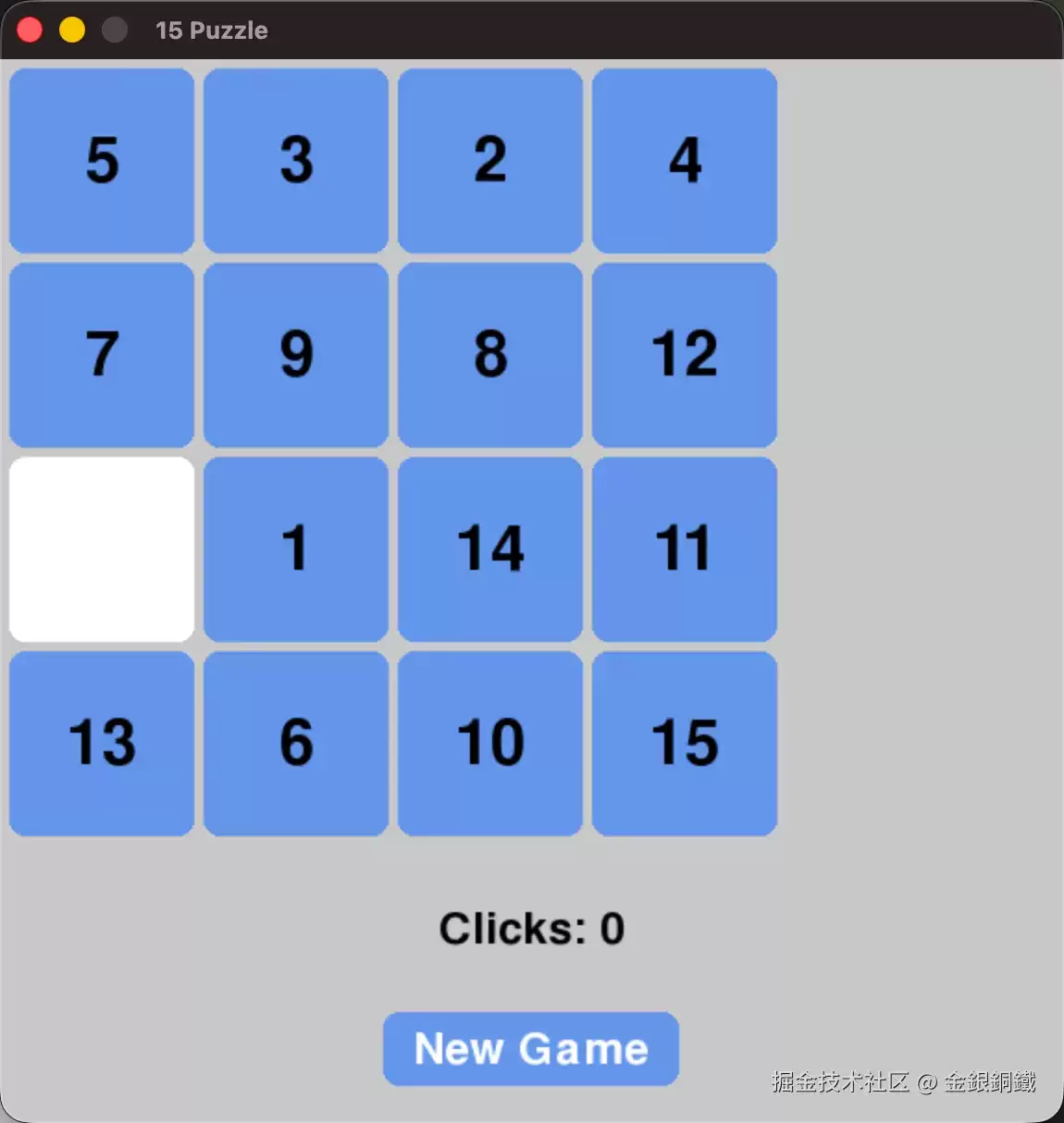
运行效果如下图所示(在自己电脑上运行得到的开局很可能与图中不同):
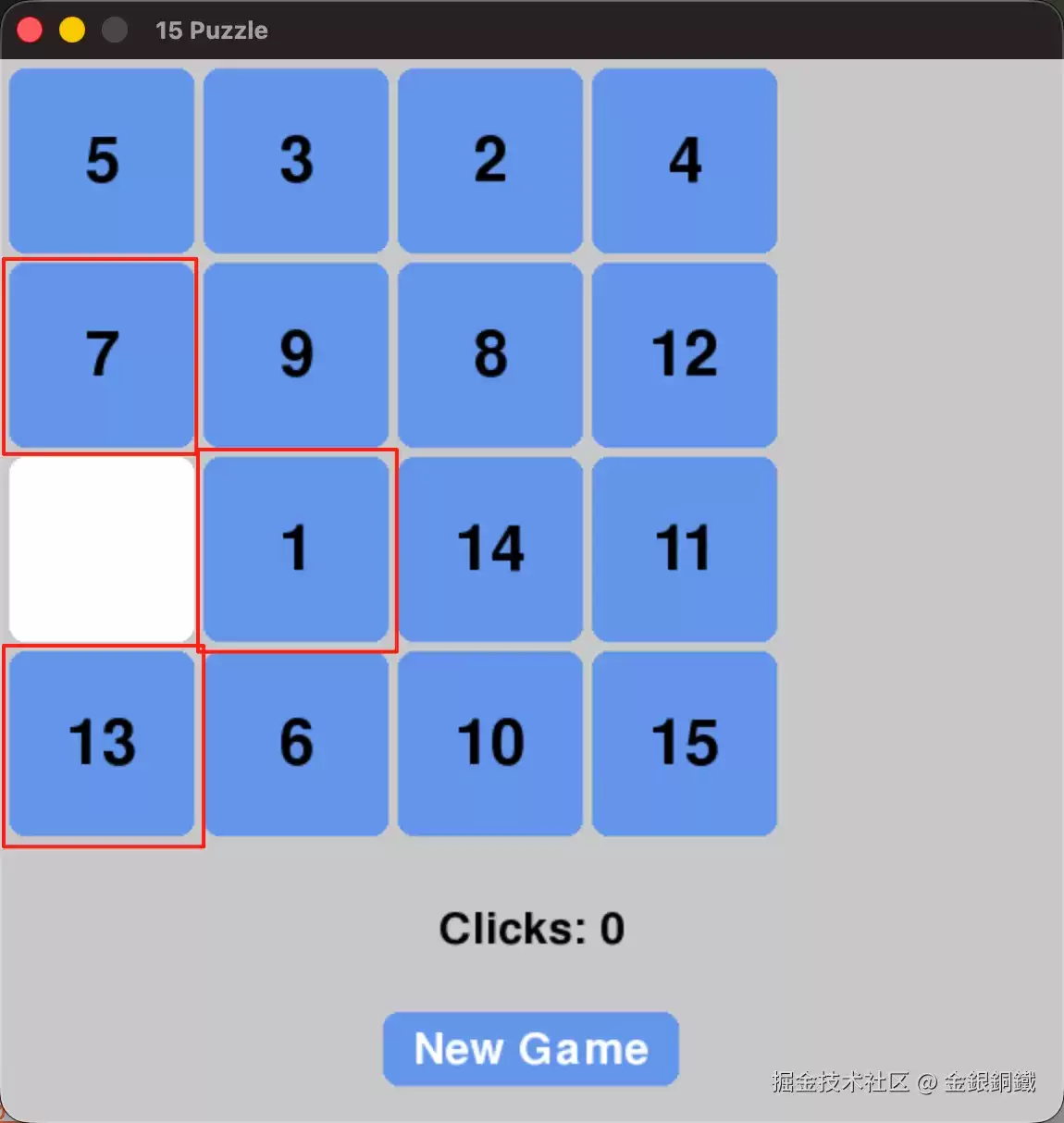
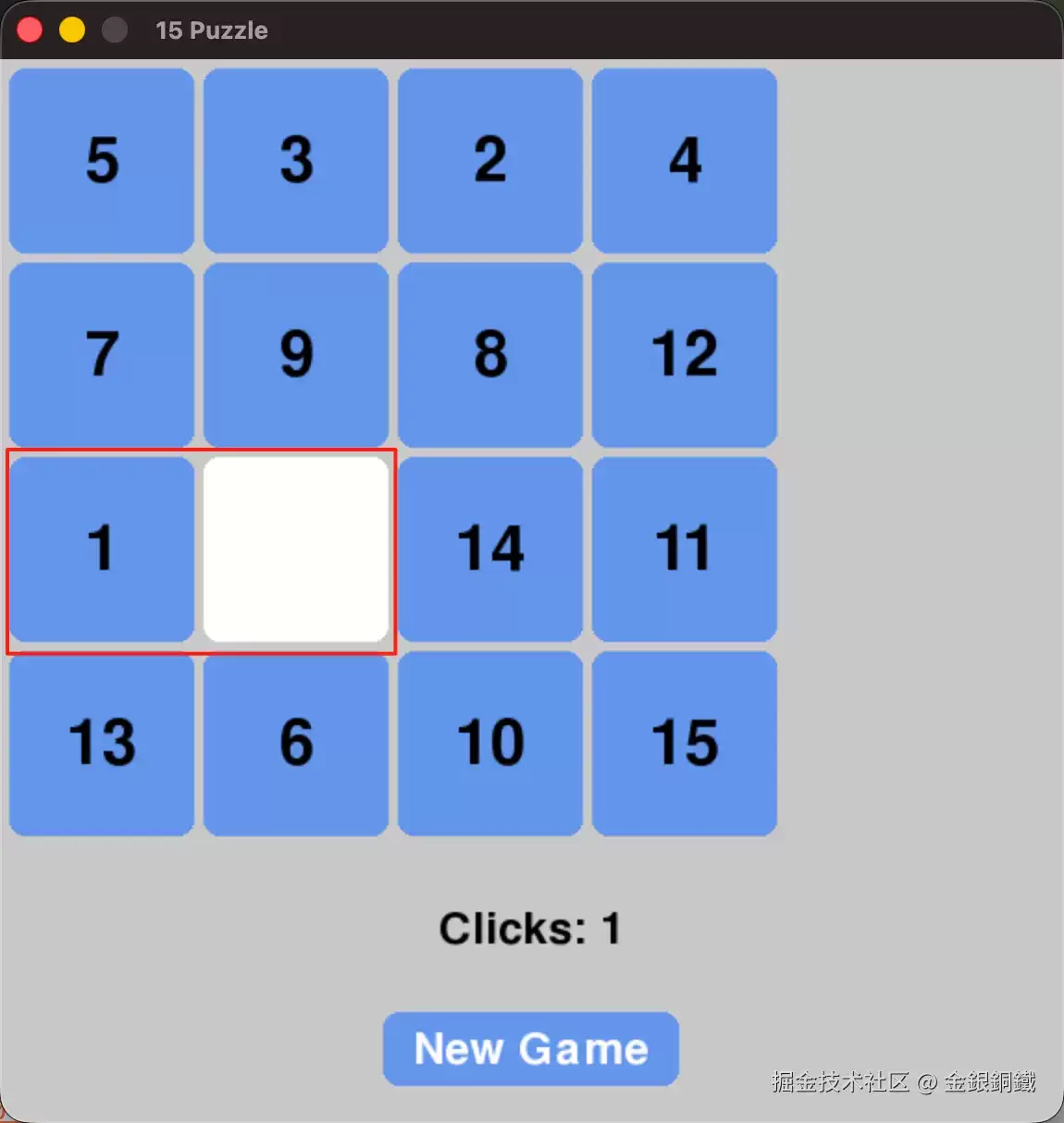
此时点击空格旁边的 1、7、13 中的任意一个数字,就会发生交换。例如点击 1:
可以看到“空位置”和 1 互换了位置。
实际操作中,玩了一会儿就得到了预期的胜利局面——一共用了 104 次有效点击:
关于使用人工智能的思考
如果程序中有很大比例是用 AI 生成的,自己还能有进步吗?不妨换个角度看:对于 15 puzzle 这个游戏,在之前写 Tkinter 版本时,已经思考并解决了其中的关键问题:
- 整体布局
- 如何生成最终局面?
- 如何生成随机开局?
- 如何交换两个相邻的格子?
借助 AI 的主要目的,是不想在 Pygame 的入门和配置细节上耗费太多时间。在这个前提下,用 AI 辅助写程序——只要核心逻辑和算法还是自己独立实现——完全没有问题,而且依然能够从中获得进步。
参考资料
- TkDocs tutorial 中的
- A First (Real) Example
- Tk Concepts
- Basic Widgets
- 15 puzzle(Wolfram 中关于 15 puzzle 的介绍)
- 用 Tkinter 实现简单的 15 puzzle

彻底清理悟空浏览器的数据,通常有三个路径:通过手机系统设置能一次性清除所有配置和用户信息;利用浏览器内置功能,可以只清理缓存而保留个性化设置;最彻底的则是卸载重装,让应用回到初始状态。 悟空浏览器用久了,是不是偶尔会感觉变慢,或者出现一些难以解释的小毛病?有时候,与其一个个排查问题,不如来一次彻底的

漫蛙漫画首页登录入口https://www.manwamh.top/:一触即达的漫画世界核心枢纽 对于漫画迷而言,找到那个可靠的资源门户至关重要。漫蛙漫画的首页登录入口,正是这样一个核心渠道。通过它,你可以直接跳转到漫蛙2漫画APP的下载页面,轻松几步完成安装,马上就能投入到精彩纷呈的漫画之旅中。 漫蛙漫画首页登录入口: 官方入口地址已经为你备好

漫蛙漫画官方入口与核心功能解析 寻找一个稳定、资源丰富的漫画在线阅读平台,是许多漫画爱好者的共同需求。其中,漫蛙漫画官方入口及其免费全集服务,受到了不少关注。那么,这个平台究竟如何?下面,我们就来深入了解一下它的具体信息与特色功能。 平台的官方访问地址是:https://www.manwa123.c
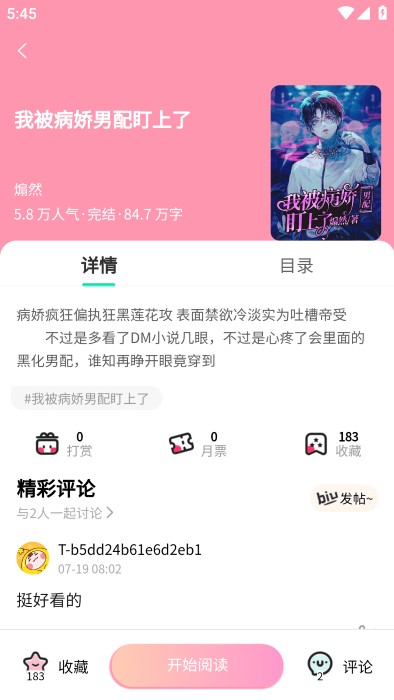
对于动漫爱好者而言,找到一个资源全、体验佳的追番平台,常常是件头疼事。漫蛙动漫APP的定位很明确:就是要打造一个聚合全球正版动漫资源的专属乐园。无论是当季火爆的日漫新番、值得回味的经典国创,还是那些小众却精彩的优质动画,在这里基本都能一网打尽。平台底层采用了智能缓冲技术,最大程度保证了播放的流畅度,
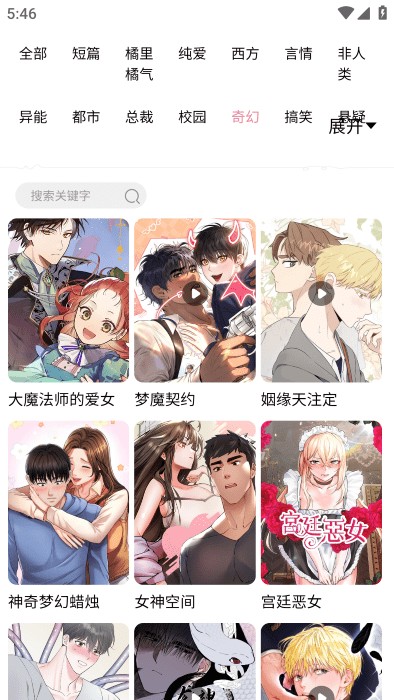
想要获取正版manwa漫蛙APP?官方指定下载渠道就是漫蛙官网入口。 对于漫画迷而言,找到一款心仪的阅读神器至关重要。漫蛙APP正是这样一款专为全球漫画爱好者打造的平台,它汇聚了从日韩人气连载到本土原创精品的海量资源。说它“应有尽有”毫不为过。更重要的是,其界面设计清爽直观,搭配智能检索功能,能让用
想要畅享海量正版漫画资源?漫蛙漫画平台不容错过 对于漫画迷来说,找到一个资源丰富、体验流畅的正版平台实属幸事。漫蛙漫画凭借其优质的在线阅读服务,已经成为了许多资深读者的心头好。今天,我们就来详细拆解一下平台的访问方法与实用技巧,助你轻松开启漫画之旅。 漫蛙漫画网页入口页面指南 想立刻体验?官方在线观

漫蛙漫画网APP官方下载方法全解析 对于资深漫画迷来说,找到一个资源全、更新快、体验佳的阅读平台,就像淘到了宝藏。漫蛙漫画网APP,正是这样一个专为爱好者打造的精品集散地。它汇聚了全球优质的正版漫画,从火爆的日漫连载到崛起的国创佳作,平台都能做到实时同步更新。当然,第一步得先把它装到设备上。接下来,

漫蛙漫画APP:专业漫画阅读工具的全面革新 作为一款专业的漫画阅读工具,漫蛙漫画APP整合了全球优质漫画资源,其升级版漫蛙2在功能与体验上可谓全面革新。这款应用不仅囊括日漫经典与国漫新作,更通过简洁直观的界面设计和流畅操作,为用户打造沉浸式阅读环境,充分满足各类漫画爱好者的多样化需求。 漫蛙漫画特色
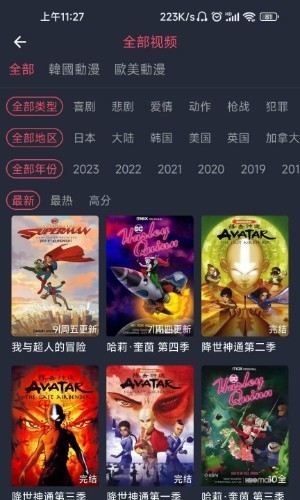
当下动漫圈热议的卖茶叶妈妈3d漫蛙下载,凭借其突破性的3D视觉技术成为焦点 最近动漫爱好者们都在讨论一个现象级产品——卖茶叶妈妈3d漫蛙下载。这款由漫蛙漫画平台倾力打造的3D作品专区,用立体建模与动态分镜彻底颠覆了传统二维漫画的阅读模式。你猜怎么着?现在只需通过专区提供的便捷下载通道,无论是热血冒险
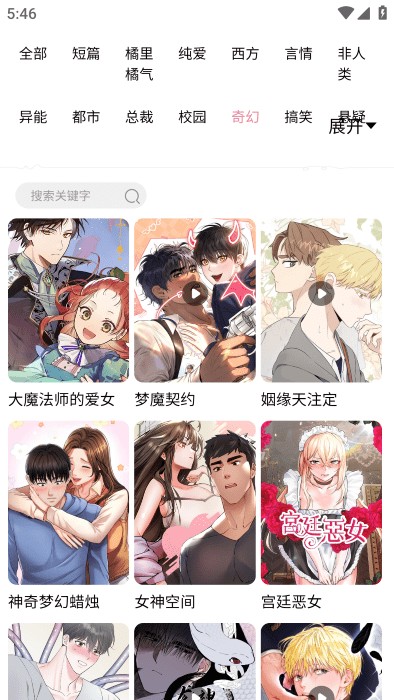
漫蛙APP:资深漫画迷的移动图书馆与阅读利器 对于漫画爱好者来说,找到一个资源全、体验好的阅读平台,从来都不是件容易的事。而漫蛙APP,恰恰就是为这个需求而生的。它凭借海量的正版漫画库和极其便捷的离线下载功能,在圈内积累了相当不错的口碑。更重要的是,从经典的日本热血漫到新兴的国产原创作品,它几乎一网





火山引擎是字节跳动旗下企业级云与AI服务平台。聚焦大模型核心能力,依托字节自研豆包多模态大模型,凭借火山方舟一站式平台,提供模型精调、推理部署、智能应用搭建等全链路服务,结合高性能AI算力,助力各行业快速落地大模型数字化与智能化应用。



