

Composer如何使用.gitattributes精简发布_Composer .gitattributes精简发布方法
很多人讨论Composer包发布时,往往会忽略一个关键细节:一个不起眼的`.gitattributes`文件,其实是控制发布包大小的核心工具。今天我们就把这个话题彻底掰开揉碎,说说它为什么是首选,以及怎么写才能正确生效。 先给出一个核心判断:在精简Composer发布这件事上,`.gitattrib
为什么 .gitattributes 是精简 Composer 发布的首选方案
因为 Composer 在拉取 dist 包(即打 tag 后的 zip/tar.gz)时,底层调用的是 git archive。而 .gitattributes 是 Git 唯一原生支持、被 git archive 严格遵守的打包排除机制。它不依赖 Composer 版本、不触发钩子、不修改源码结构,也不需要你手动删文件——只要配置正确,打出来的包天然干净。
.gitattributes 中 export-ignore 的写法细节
常见错误是路径写错或忽略层级关系。关键点如下:
/tests/会排除根目录下的tests/目录(注意开头斜杠表示从仓库根开始)/examples和/examples/效果相同,但推荐加尾部/显式表示目录/*.md排除根目录下所有 .md 文件,但不会影响docs/README.md/vendor不需要写——vendor/本就不该进 Git,写了也无效- 每行一个规则,不支持通配符嵌套(如
/src/**/tests不生效)
示例 .gitattributes 文件内容:
/.gitattributes export-ignore
/README.md export-ignore
/tests/ export-ignore
/examples/ export-ignore
/phpunit.xml.dist export-ignore
/composer.lock export-ignore
和 composer.json 的 archive.exclude 对比有什么区别
archive.exclude 看起来更“Composer 原生”,但实际限制很多:
- 只在执行
composer archive命令时生效;CI 自动构建或 Packagist 拉取 dist 时通常不走这个命令 - 部分旧版 Composer(<2.0)甚至不支持这个字段
- 路径匹配逻辑不如
.gitattributes稳定,比如"*.md"可能漏掉某些大小写变体 - 如果你用 GitHub Releases 手动上传 zip,
archive.exclude完全不起作用
结论:archive.exclude 只适合本地调试或私有 CI 流程中主动调用 composer archive 的场景;对外发布的开源包,请坚持用 .gitattributes。
验证 .gitattributes 是否生效的最快方法
别等打 tag 后再看 dist 包——直接本地模拟 git archive:
git archive --format=zip --output=test-dist.zip HEAD
解压 test-dist.zip,检查是否还存在 tests/ 或 examples/。如果还在,说明:
- 文件没提交进 Git(
git add .gitattributes && git commit) - 路径写错了(比如漏了开头
/,变成tests/就只匹配当前目录下的 tests) - Git 缓存了旧属性(运行
git rm --cached -r . && git add .强制重读)
注意:这个验证必须在已 commit 的分支上运行,未暂存的 .gitattributes 不会被 git archive 读取。
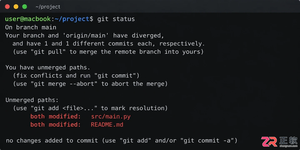
遇到Git合并冲突别慌张,本文详解冲突产生的原因及标准处理流程,涵盖查看冲突文件、理解标记含义、手动修改代码及完成合并提交的完整步骤,助你高效解决协作开发中的代码冲突问题。
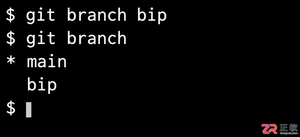
想知道如何用Git创建名为bip的分支?本文提供清晰的命令行操作步骤,包括本地创建、切换分支以及推送到远程仓库的方法,适合初学者快速上手。
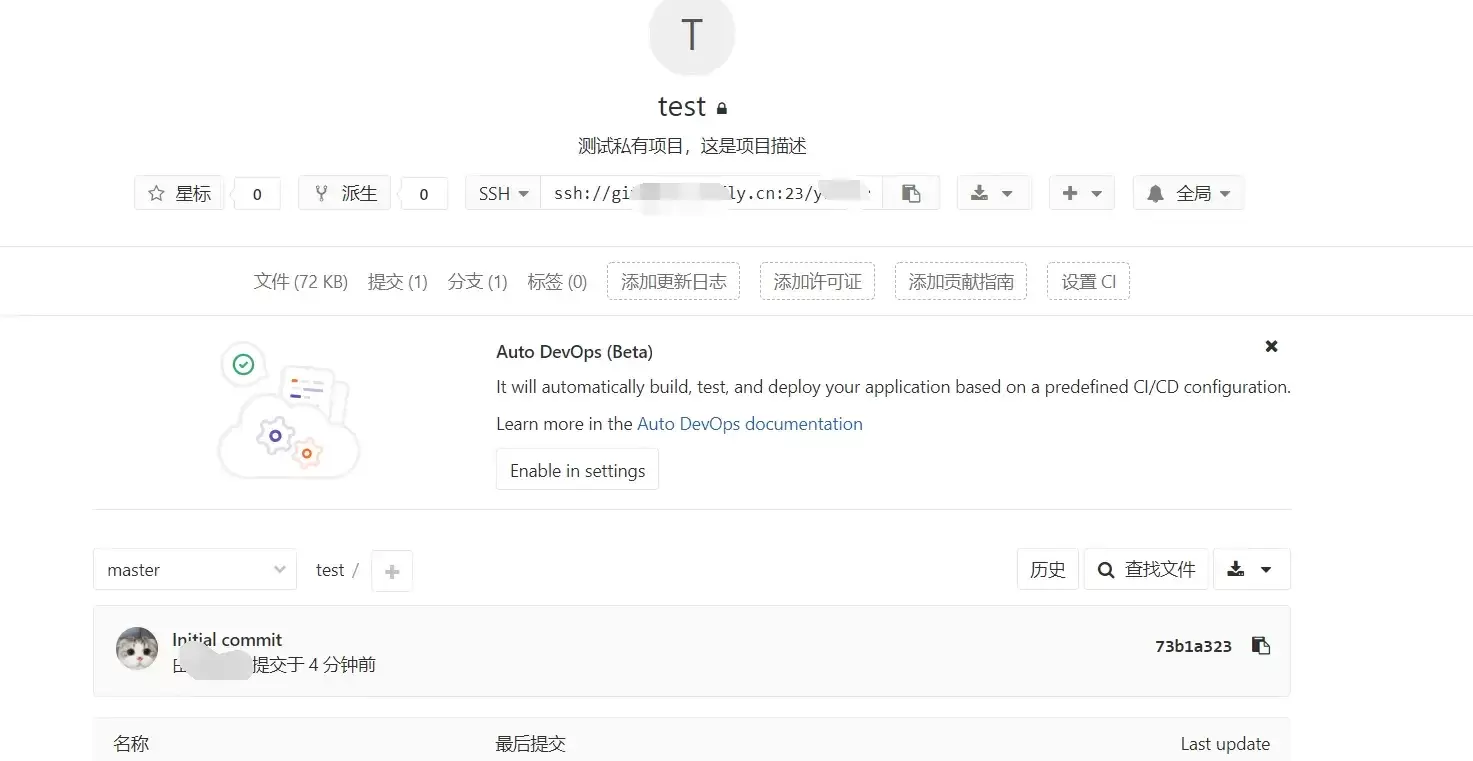
本文指导GitLab新手完成创建项目并推送第一次提交的最小闭环。涵盖远程项目创建、本地仓库初始化、添加远程地址及执行git push。重点说明HTTPS与SSH认证差异、分支名(master/main)核对及提交验证标准,确保远程仓库真正建立。



Chrome官方免验证入口为https://www.google.cn/chrome/,提供全平台安装包、免登录即用、本地化安全机制及引擎级性能优化。 到底该去哪里找正版、免费且无需繁琐验证的Chrome浏览器入口?这个问题困扰了不少网友。今天,我们就来直通核心,为大家详细拆解Chrome引擎的官方

命令式编程关注执行步骤,声明式描述目标,函数式强调无副作用。回调函数作为参数传递,可导致回调地狱,后由Promise解决。仿函数重载`operator()`,lambda更轻量。元编程生成代码,如模板、装饰器、宏,提升抽象能力。
Python项目配置.gitignore应排除__pycache__、虚拟环境(venv/.venv等)、IDE生成文件(.idea/.vscode等)及缓存目录。误提交后需用`gitrm--cached`移除索引。建议复用GitHub官方模板并验证规则有效性。

VSCode不保存历史冲突记录,仅在合并时实时标记冲突文件。冲突文件位于源代码管理面板的MERGECHANGES分组,带红色感叹号和冲突数量。点击文件以三栏合并编辑器显示当前分支、传入分支和结果区,供用户编辑解决冲突。





火山引擎是字节跳动旗下企业级云与AI服务平台。聚焦大模型核心能力,依托字节自研豆包多模态大模型,凭借火山方舟一站式平台,提供模型精调、推理部署、智能应用搭建等全链路服务,结合高性能AI算力,助力各行业快速落地大模型数字化与智能化应用。


Autodesk Maya 是面向影视、电视、动画和游戏行业的专业三维制作软件,集多边形与 NURBS 建模、角色绑定、关键帧和动作捕捉动画、Bifrost 特效模拟、材质开发及 Arnold 渲染于一体,
火山引擎是字节跳动旗下企业级云与AI服务平台。聚焦大模型核心能力,依托字节自研豆包多模态大模型,凭借火山方舟一站式平台,提供模型精调、推理部署、智能应用搭建等全链路服务,结合高性能AI算力,助力各行业快速落地大模型数字化与智能化应用。


