Python-docx 设置页面大小的正确方法
 发布于2026-01-28 阅读(0)
扫一扫,手机访问

在使用 python-docx 修改 Word 文档页面尺寸时,page_width 和 page_height 是可读写的属性(而非方法),错误地将其当作函数调用会导致 'Twips' object is not callable 异常。
python-docx 的 Section 对象中,page_width 和 page_height 是 Length 类型的属性(底层为 Twips 实例),用于表示页面尺寸。它们不支持函数调用语法(如 section.page_width(...)),而应直接赋值。常见误区正是将属性误写为方法调用,从而触发该错误。
✅ 正确写法如下:
from docx import Document
from docx.shared import Inches

doc = Document()
section = doc.sections[0]

# ✅ 正确:直接赋值(属性设置)
section.page_width = Inches(5)
section.page_height = Inches(5)
⚠️ 注意事项:
- Inches()、Cm()、Pt() 等单位构造器返回的是 Length 对象,可直接赋给 page_width / page_height;
- 修改后需调用 doc.save("output.docx") 才能持久化生效;
- 页面尺寸单位必须为 Length 类型(不能传入原始数字或字符串);
- 若需同时设置页边距、纸张方向等,可一并配置:
section.orientation = WD_ORIENT.LANDSCAPE  # 需 from docx.enum.section import WD_ORIENT
section.left_margin = Inches(0.75)
section.right_margin = Inches(0.75)
? 小贴士:可通过 print(section.page_width) 查看当前值(返回 Twips 对象),其 .inches、.cm 等属性可方便转换查看,例如 section.page_width.inches 返回浮点英寸值。
总之,牢记 page_width 和 page_height 是属性而非方法——赋值即生效,调用则报错。这是 python-docx API 设计中典型的“属性式接口”,与 paragraph.alignment = WD_ALIGN_PARAGRAPH.CENTER 等风格一致。
本文转载于:互联网 如有侵犯,请联系zhengruancom@outlook.com删除。
免责声明:正软商城发布此文仅为传递信息,不代表正软商城认同其观点或证实其描述。
免责声明:正软商城发布此文仅为传递信息,不代表正软商城认同其观点或证实其描述。
上一篇:苹果手机隐藏相册文件夹方法
产品推荐
-

售后无忧
立即购买>- DAEMON Tools Lite 10
-
¥0.00
office旗舰店
-

售后无忧
立即购买>- DAEMON Tools Ultra 5
-
¥0.00
office旗舰店
-

售后无忧
立即购买>- DAEMON Tools Pro 8
-
¥0.00
office旗舰店
-

售后无忧
立即购买>- CorelDRAW X8 简体中文
-
¥0.00
office旗舰店
-
 正版软件
正版软件
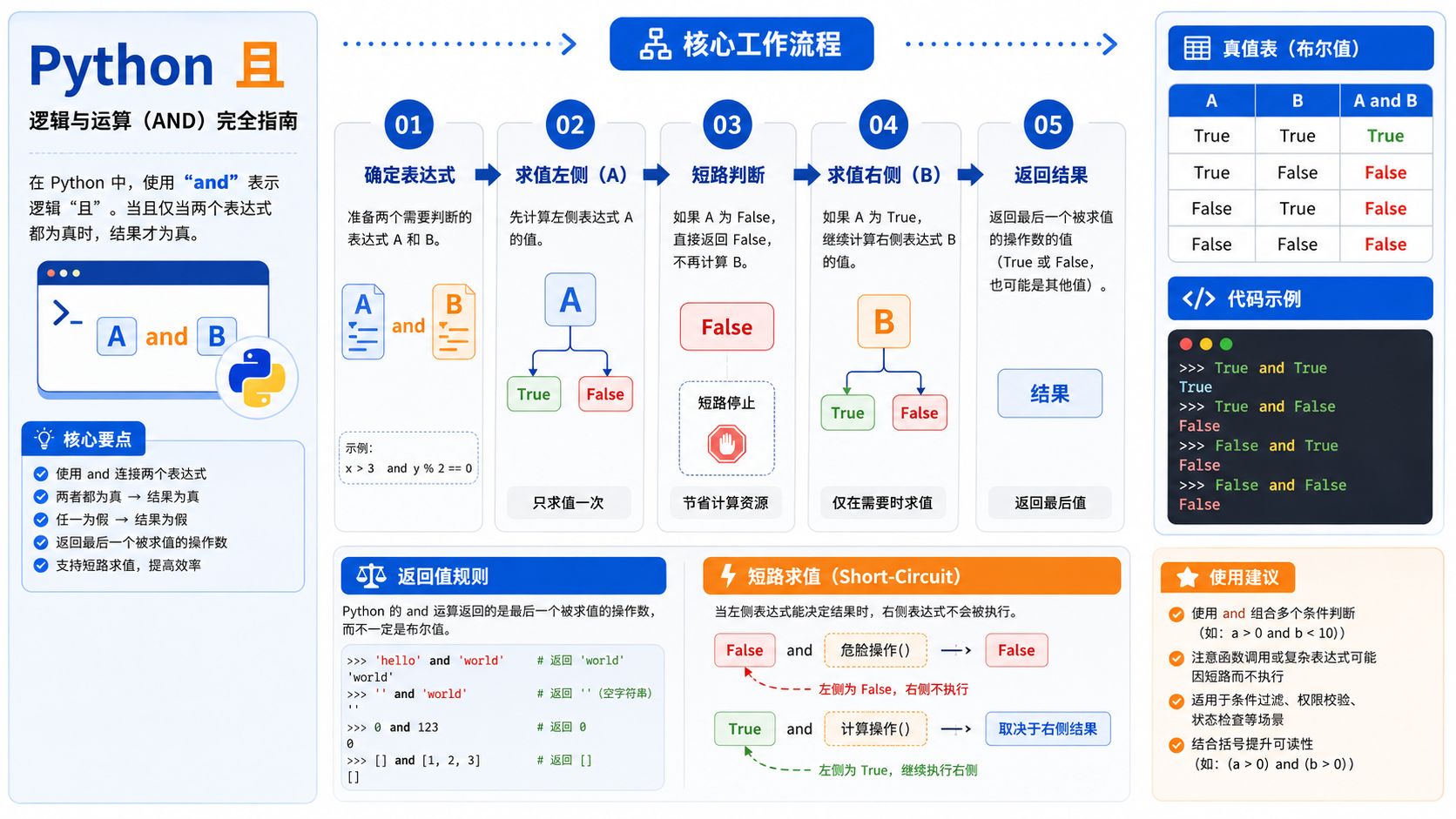
- python 且:概念解析、环境配置与实操验证指南
- 面向后端开发者的“python 且”实操指南。涵盖概念界定、虚拟环境创建、依赖安装及结果验证,提供清晰的命令示例与排错决策图,确保操作可复现且符合官方规范。
- 15天前 0
-
 正版软件
正版软件
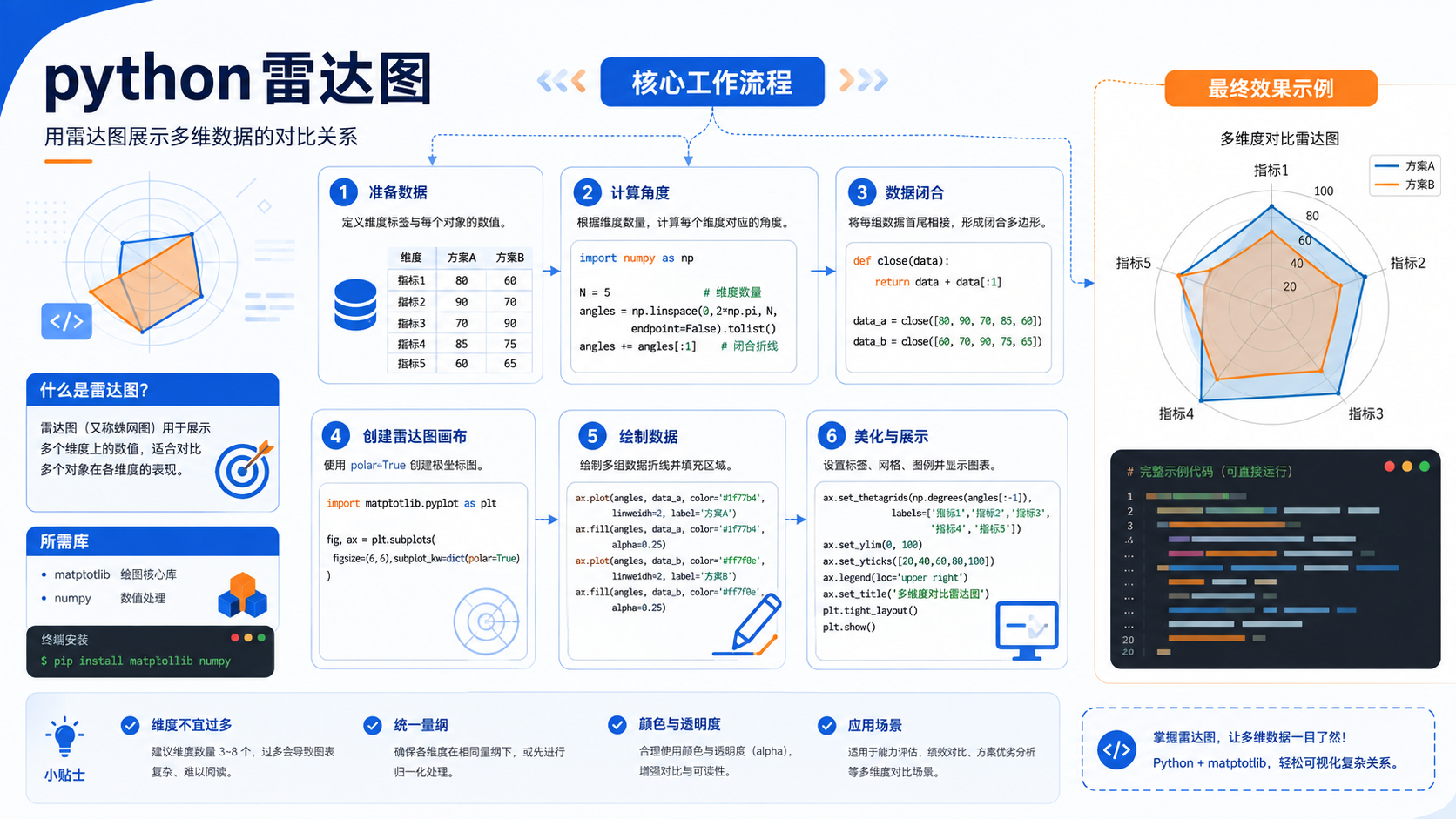
- python 雷达图开发环境搭建与验证:后端开发者实操指南
- 针对后端开发者的 python 雷达图实操指南。包含基于官方文档的环境准备、venv 虚拟环境创建、pip 依赖管理及验证命令,提供清晰的排错决策图与适用边界说明。
- 15天前 0
-
 正版软件
正版软件
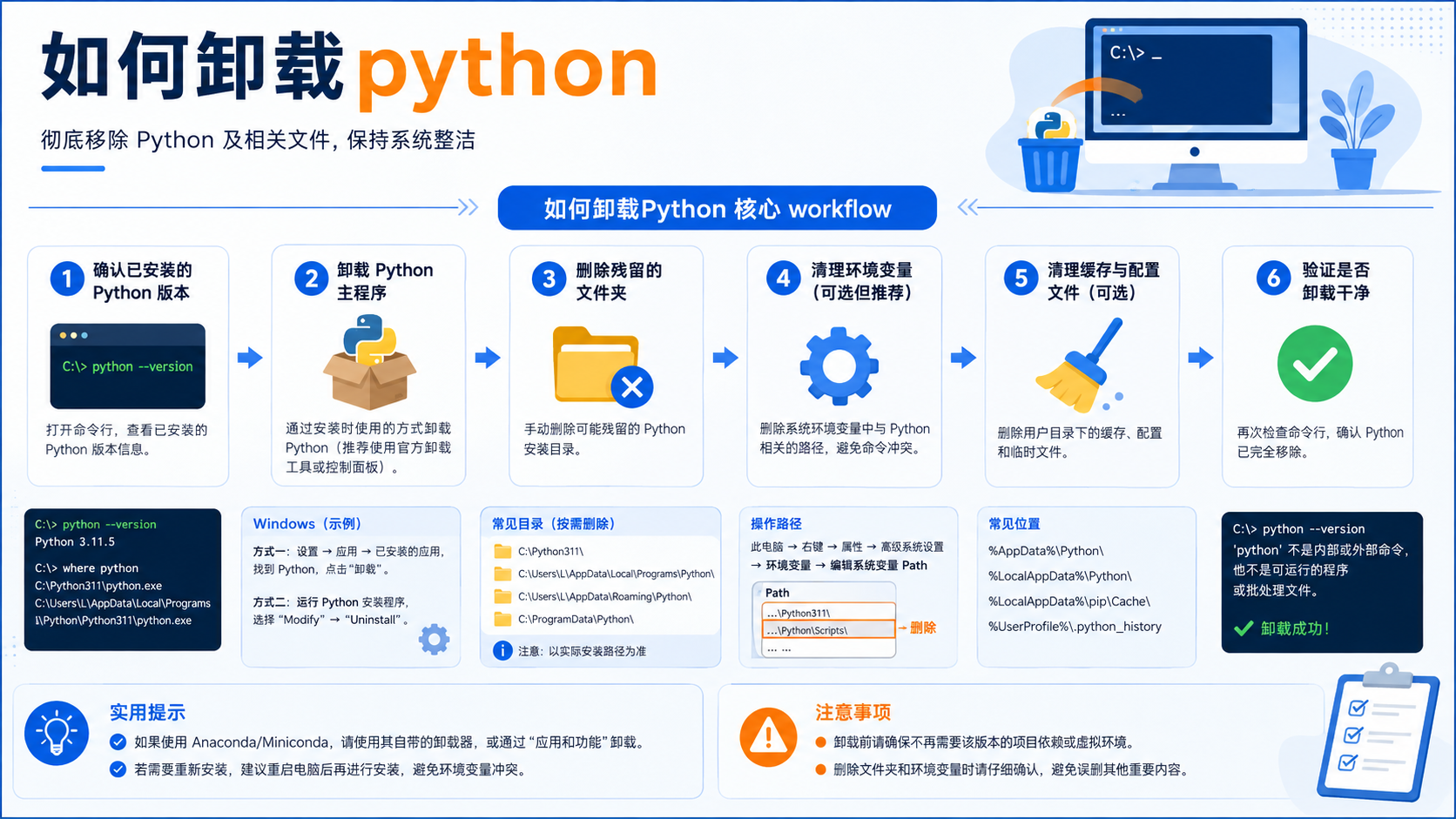
- 如何卸载python:环境隔离、依赖清理与验证流程的避坑指南
- 面对“如何卸载python”的需求,盲目删除文件可能导致系统异常。本文基于Python官方教程与pip文档,讲解如何通过虚拟环境隔离、依赖检查及路径验证,安全地完成环境清理或重置任务。
- 15天前 0
-
 正版软件
正版软件
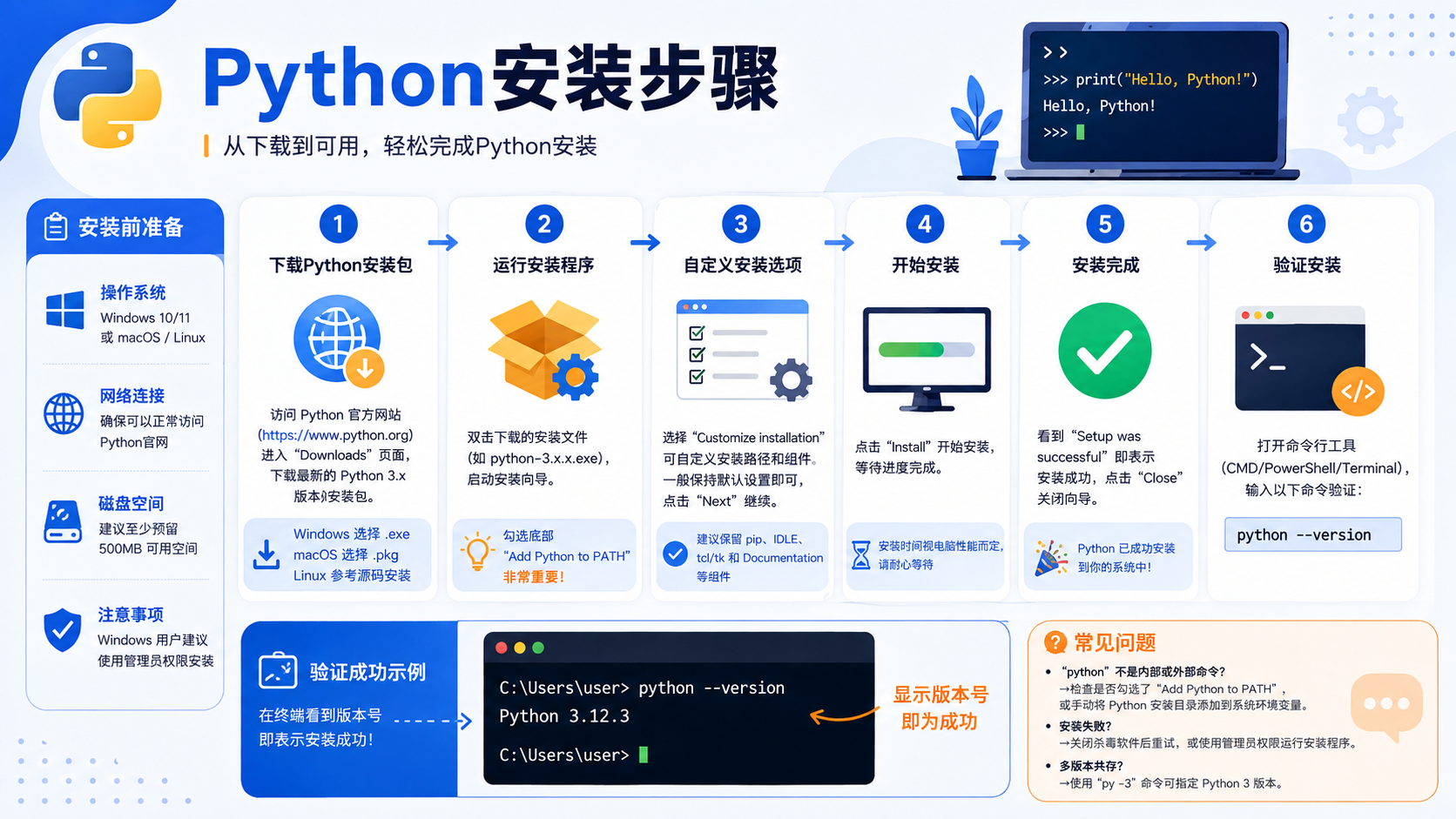
- python安装步骤:从环境检查到虚拟环境隔离的故障排查指南
- 详解 python安装步骤 的核心流程,包括官方概念界定、venv 环境隔离实操、pip 依赖管理及最终验证。提供故障排查决策图与适用边界说明,帮助开发者快速构建可复现的开发环境。
- 15天前 0
-
 正版软件
正版软件
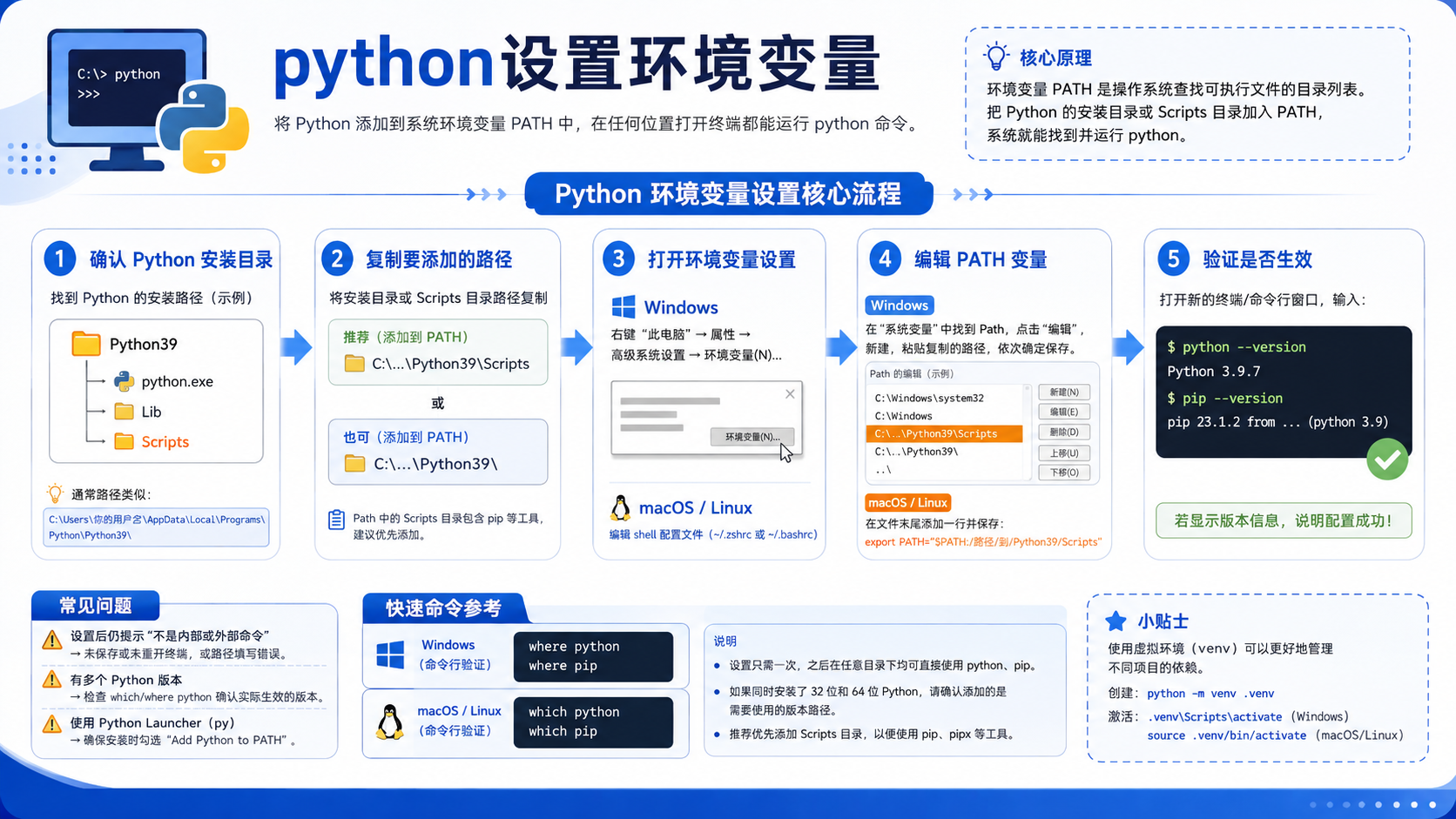
- python设置环境变量:从原理到实操的完整验证流程
- 详解python设置环境变量的标准流程,涵盖venv创建、pip依赖安装及sys.executable验证方法,提供决策图与核心流程图,助力后端开发者快速排查环境故障。
- 15天前 0
最新发布
-
 1
1
-
 2
2
-
 3
3
- C语言中\n是什么意思?换行转义字符详解
- 377天前
-
4
- 探析Spring Boot框架的优点和特色
- 693天前
-
5
- 深入比较PyCharm社区版和专业版的功能
- 631天前
-
6
- 专家观点:谷歌是否会继续支持Golang的探讨
- 607天前
-
 7
7
-
 8
8
- Python实战教程:批量转换多种音乐格式
- 1239天前
-
9
- 如何在在线答题中实现试卷的自动批改和自动评分
- 1067天前
相关推荐
热门关注
-

- AndroMeld
- ¥35.00-¥0.00
-
- Permute 4
- ¥79.00-¥0.00
-
- ZBrushCore 2018 简体中文
- ¥0.00-¥0.00
-
- MindMapper 17 英文
- ¥0.00-¥0.00
-
- Listary 5 Pro
- ¥0.00-¥0.00