

SpringBoot实现Word转PDF的完整思路与示例代码详解
SpringBoot实现Word转PDF有三种方案:LibreOffice免费且格式还原度高,但需安装并处理中文乱码;docx4j+Plutext纯Java实现但商业需授权;Aspose.Words转换效果最佳但费用昂贵。三种方案各有利弊,开发者应根据具体场景权衡选择。
先说结论:在 Spring Boot 项目里做 Word 转 PDF,其实路数就那么几条。选哪个方案,主要看你的场景——是追求免费快速搞定,还是要求格式还原度拉满。下面直接上干货。
一、总体方案对比
先把市面上主流的选择摆出来,哪个适合你,看这张表心里就有数了。
| 方案 | 是否收费 | 转换质量 | 依赖环境 | 推荐指数 |
|---|---|---|---|---|
| docx4j + Plutext PDF Converter | 商业需授权 | ⭐⭐⭐⭐⭐ | 无(纯Ja va) | ✅✅✅ |
| LibreOffice(命令行) | 免费 | ⭐⭐⭐⭐ | 需安装LibreOffice | ✅✅✅ |
| Apache POI + iText(间接) | 免费 | ⭐⭐ | 复杂 | ❌ |
| Aspose.Words for Ja va | 商业 | ⭐⭐⭐⭐⭐ | 无 | ✅(预算充足可上) |
生产环境到底选哪个?其实结论很明确:如果服务器是Windows或Linux,LibreOffice几乎是最顺手的选择;如果对转换质量要求极高,企业级应用直接走docx4j加Plutext或Aspose。
二、方案一:LibreOffice(最常用、免费)
原理
说白了,就是Spring Boot在后台调一下服务器上的 soffice 命令,把 .docx 扔进去,让它帮你转成 .pdf,简单粗暴。
安装 LibreOffice
# Ubuntu
sudo apt install libreoffice
# CentOS
yum install libreoffice
# Windows
直接下载安装包搞定
Spring Boot 示例代码
Ma ven 依赖,这个不需要额外加什么库,基础 starter 就够了:
    org.springframework.boot
    spring-boot-starter
Service 长这样:
import ja va.io.*;

@Service
public class WordToPdfService {

    public void convert(String wordPath, String pdfPath) throws Exception {
        String command = "libreoffice --headless --convert-to pdf "
                + wordPath + " --outdir " + new File(pdfPath).getParent();

        Process process = Runtime.getRuntime().exec(command);
        int exitCode = process.waitFor();

        if (exitCode != 0) {
            throw new RuntimeException("Word转PDF失败");
        }
    }
}
这个方案的好处显而易见:免费,支持 .doc 和 .docx,格式还原度也相当能打。
不过有几个坑值得注意。Linux上必须装中文字体,不然输出全是乱码。另外,LibreOffice不太适合高并发场景,建议加个线程池或队列来排队执行。
三、方案二:docx4j + Plutext(企业级)
Ma ven 依赖
    org.docx4j
    docx4j
    11.4.9


    org.plutext
    plutext-pdf-converter
    3.3.0
转换代码
import org.docx4j.Docx4J;
import org.docx4j.openpackaging.packages.WordprocessingMLPackage;

import ja va.io.FileOutputStream;

public void convert() throws Exception {
    WordprocessingMLPackage wordMLPackage =
            WordprocessingMLPackage.load(new File("input.docx"));

    Docx4J.toPDF(wordMLPackage, new FileOutputStream("output.pdf"));
}
这套方案的好处是纯Ja va实现,不需要在服务器上安装任何第三方软件,样式的还原度也很优秀。
但有两件事你得清楚:第一,Plutext的PDF转换器在商业用途上需要授权;第二,遇到特别复杂的表格或者奇奇怪怪的页眉页脚,偶尔还是会出点小偏差。
四、方案三:Aspose.Words(最强但贵)
Ma ven
    com.aspose
    aspose-words
    23.12
代码示例
import com.aspose.words.Document;

Document doc = new Document("input.docx");
doc.sa ve("output.pdf");
这个方案几乎就是Word转PDF的“天花板”了。代码精简到只有两行,转换效果几乎没有对手。缺点也明摆着:贵。
五、常见问题 & 解决方案
中文乱码
Linux下乱码是高频问题,解决方案就是安装中文字体:
yum install wqy-microhei-fonts
并发问题
LibreOffice本身不支持多线程并发转换。如果你同时来的请求太多,最好用线程池加队列的方式,把请求排好队一个一个处理。
Web 接口示例
@PostMapping("/convert")
public ResponseEntity convert(MultipartFile file) throws Exception {
    // 先把前端传的Word存到本地
    // 调用转换逻辑
    // 返回PDF文件流
}
六、推荐选型总结
把前面说的整理一下,不同场景选不同方案就行:
| 场景 | 推荐方案 |
|---|---|
| 普通后台系统 | LibreOffice |
| 企业文档系统 | docx4j + Plutext |
| 金融/合同/报表 | Aspose.Words |
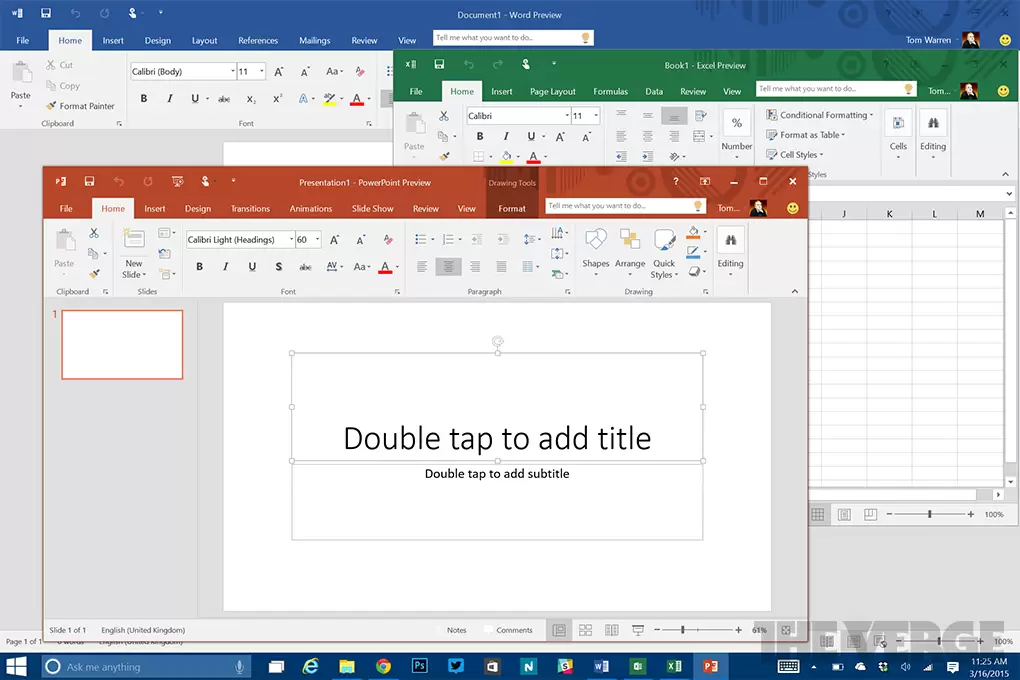
本文通过“活动报名与费用汇报”真实案例,演示如何高效协同使用Word、Excel和PPT。从建立规范的项目文件夹开始,分别完成Word内容撰写、Excel数据统计与PPT结论展示,并强调多软件间数据一致性与交付检查的重要性,帮助新手建立完整的办公任务处理逻辑。
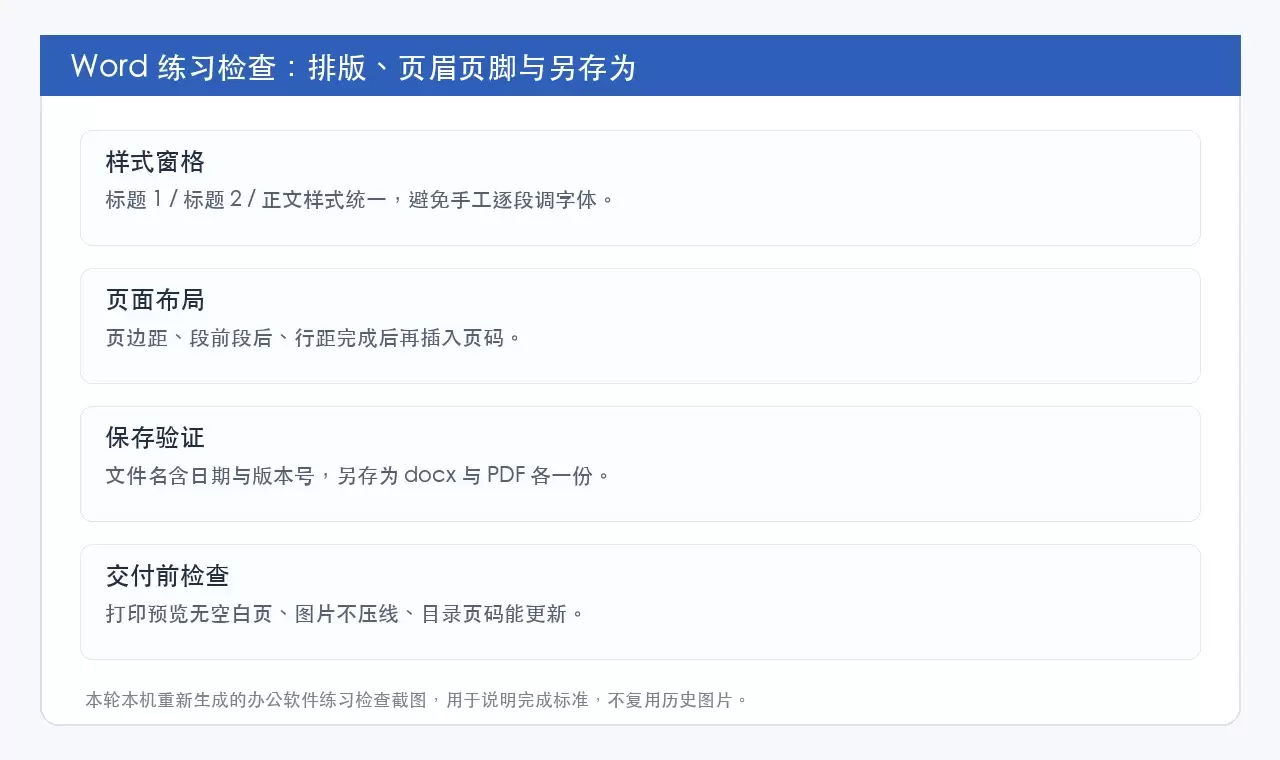
本文提供Word、Excel和PPT的零基础自学路线,强调以“可交付成果”为导向而非功能堆砌。通过分阶段练习文档排版、数据表格处理及演示文稿制作,帮助新手建立规范的文件管理、公式核对及放映检查习惯,快速掌握日常办公核心技能。
本文提供PDF转Word的三种处理方式:在线工具(极轻PDF)、桌面软件及Microsoft Word内置功能。重点说明转换后需核对文字编辑、图片位置、表格及页码等关键要素,确保文件可直接编辑。适用于急需处理文档或需保留原格式的场景,帮助读者避免格式错乱和文件覆盖风险。
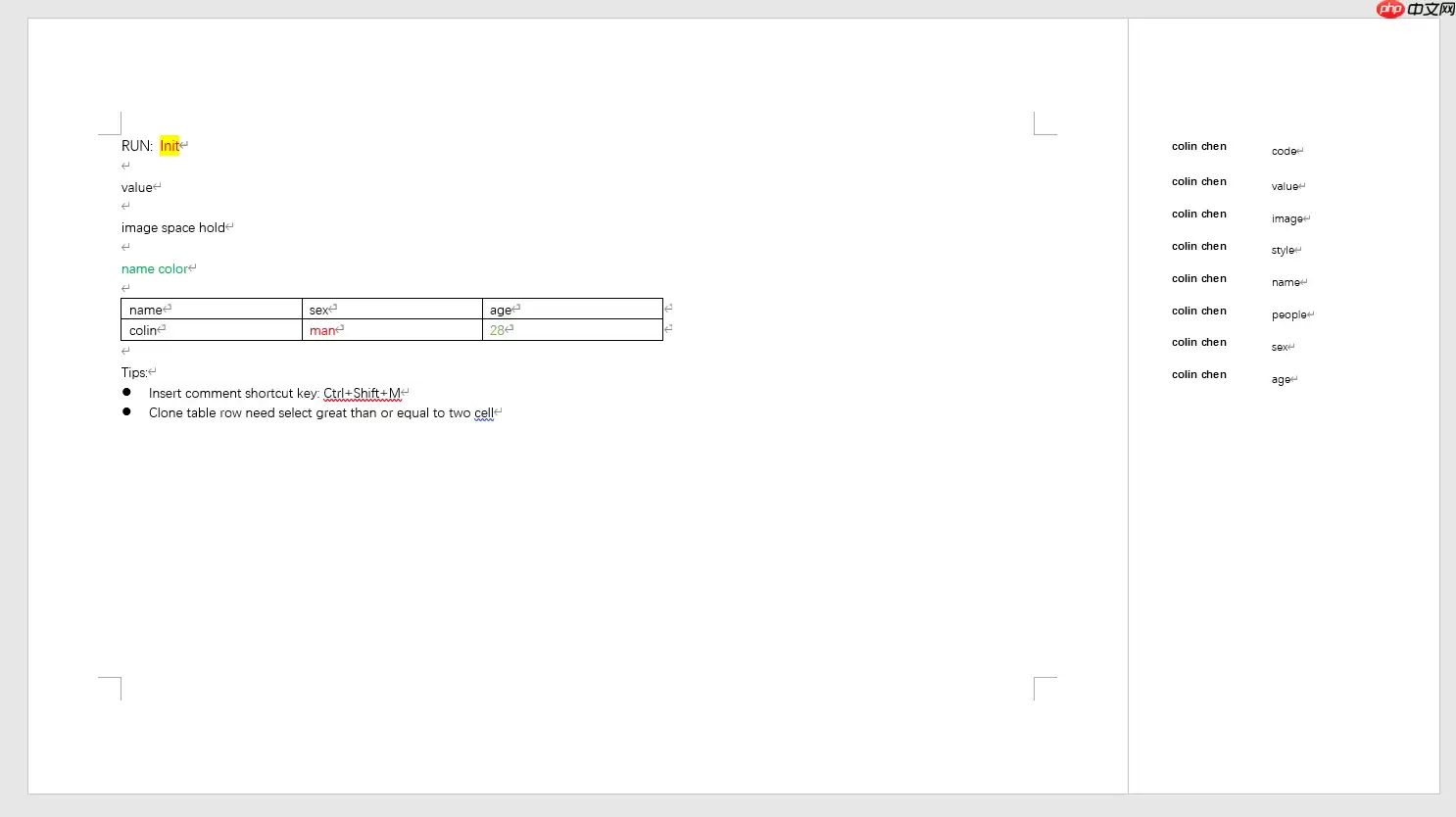
MDword1.1.9版本发布,新增图片宽度百分比设定及小语种字体自动匹配功能。该工具基于母版替换机制动态生成Word文档,相比逐元素写入的PHPWord,开发效率更高。性能测试显示,1页母版执行100次变量赋值仅需0.04秒,连续运行内存占用稳定在约0.05MB。
Word转完PDF图片发虚,大多和源图分辨率、Word压缩设置,或是导出方式有关。下面整理了两种完整的转换方法,顺便说下怎么排查、提升导出后的图片清晰度。 方法一:用极轻PDF在线转换 极轻PDF(pdf.cn)自带Word转PDF功能,不用给Word 2007额外装插件,上传文档直接就能转。 步骤
PDF.cn在线PDF转Word页面每次仅限转换一个文件,适合临时处理单份文字型PDF。扫描件或图片版PDF无法直接转为可编辑文档。批量转换或文件超过50MB时,建议改用客户端处理,避免反复上传下载。
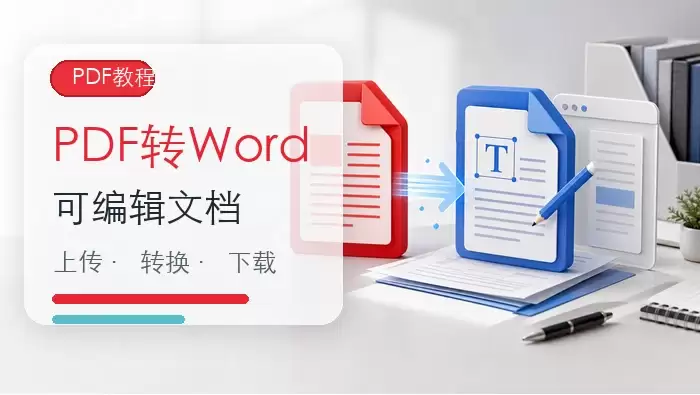
普通文字型PDF可通过在线工具直接转换为可编辑的DOCX文档,而扫描件则需先进行OCR识别。转换时务必上传完整文件,转换完成后应仔细检查文字、表格及图片的排版情况,如有少量偏差可手动微调。
PDF在线转Word仅支持普通可复制型PDF,不支持扫描件或超50MB文件。操作步骤:上传文件、点击转换、下载Word。转换后需检查文字、表格、图片排版,复杂排版需手动调整,确保内容准确无误。
将PDF转换为可编辑Word时,需先区分普通文字版与扫描件。普通PDF可直接用极轻PDF、Smallpdf等在线工具转换;扫描件需OCR识别。转换后需逐页核对标题层级、图片位置、表格结构及数字格式,确保内容完整准确。




Postman是一套面向API全生命周期的开发与测试平台,可在Mac上发送和调试多种协议请求,管理集合、环境及认证信息,并完成脚本测试、模拟服务、监控、文档发布和团队协作。它适合开发、测试及运维人员使用,提供个人免费方案。
Docker Desktop 是 Docker 官方为 Mac 提供的容器开发环境,集成 Docker Engine、命令行工具、Compose、Build、Kubernetes 与图形化管理界面。

Android Studio 是 Google 面向安卓应用开发提供的官方集成开发环境,基于 IntelliJ IDEA 构建。它整合智能代码编辑、Gradle 构建、界面预览、设备模拟、性能分析、调试测试及 APK 分析等工具。

PixPix 是面向品牌、卖家和内容团队的在线 AI 图片视频创作平台,提供图视频 Agent、无限画布、图片生成、视频生成、自然语言编辑及商品套图、产品精修和带货视频等电商工具。

Postman 是面向 API 全生命周期的开发与协作平台。Windows 桌面版可用于构建和发送 HTTP、GraphQL、gRPC、WebSocket、MQTT 等请求,并提供环境变量、集合、脚本测试、模拟服务、监控、文档及团队工作区等

Docker Desktop 为 Windows 开发者提供集成式容器环境,内置 Docker Engine、命令行工具、Compose、Build 与 Kubernetes 等组件,可在本机完成镜像构建、容器运行、日志查看和资源管理。